Dark Mode and Theme Customization: Technical Implementation Guide
-
 Harshid Patel
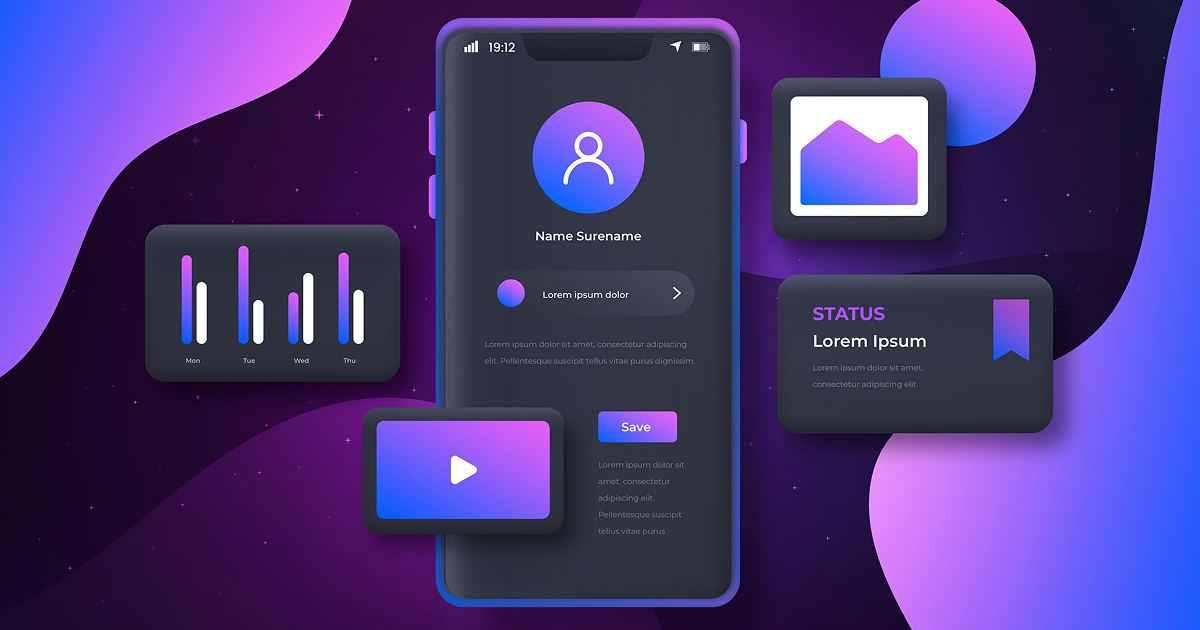
Users now expect dark mode in every application they use. What began as a battery-saving feature has become a fundamental user experience requirement. Applications without dark mode appear outdated and lose users to competitors. Beyond simple dark mode, enterprise applications need comprehensive theme customization supporting brand colors and accessibility requirements. In 2026, sophisticated theming systems are standard in modern applications. However, implementing themes properly requires careful architectural decisions affecting performance and maintainability. Many development teams add dark mode as an afterthought creating technical debt and poor user experiences. This guide explains how to implement robust dark mode and theme customization architecturally sound from the beginning. We cover modern approaches that scale from simple applications to complex enterprise platforms.
Architectural Foundation for Theme Systems
Proper architecture prevents future refactoring pain and performance issues
Modern browsers support CSS variables providing dynamic theming without JavaScript manipulation. Define color palettes as root-level custom properties that change based on theme selection. This approach enables instant theme switching without page reloads or component re-renders.
Design tokens abstract visual properties from implementation details. Define semantic tokens like primary-color and background-surface rather than specific values. This abstraction allows theme changes without modifying component code throughout applications.
Theme preferences require persistence across sessions and synchronization across application instances. Integrate theme state into existing state management systems like Redux or Zustand. Centralized theme state ensures consistency across complex applications.
Implementing System-Level Dark Mode Detection
Applications should respect operating system preferences automatically.
CSS prefers-color-scheme media query detects system-level dark mode settings. Applications can default to system preferences while allowing manual overrides. This approach provides seamless experiences for users who switch between light and dark environments.
Window.matchMedia API enables JavaScript detection of system theme preferences. Listen for theme changes handling dynamic switching when users modify system settings. Combining CSS and JavaScript approaches provides robust detection across platforms.
Prioritize user-selected themes over system preferences when explicit choices exist. Fall back to system preferences for new users without saved preferences. Implement three-state logic: light, dark, and system-default.
Color System Design for Accessibility
Themes must maintain readability and accessibility across all variations.
WCAG guidelines require minimum 4.5:1 contrast ratios for normal text. Large text needs 3:1 minimum contrast for accessibility compliance. Automated testing tools verify contrast ratios across all theme variations during development.
Define colors by purpose rather than appearance: success, error, warning, neutral. Map semantic colors to appropriate values in each theme ensuring consistent meaning. This approach prevents confusion when colors shift between themes.
Approximately 8% of males and 0.5% of females have color vision deficiencies. Test themes using color blindness simulation tools ensuring information remains distinguishable. Avoid relying solely on color to convey critical information.
Performance Optimization Techniques
Load theme preferences from storage before rendering initial content. Apply theme classes to HTML element before JavaScript execution prevents flashing. Inline critical theme CSS in document head for immediate availability.
Batch DOM updates when switching themes reducing browser reflow cycles. Use CSS transforms and opacity changes leveraging GPU acceleration. Avoid layout-triggering properties during theme transitions.
Preload alternative theme assets during idle time preparing instant switches. Cache theme preferences in memory reducing storage access overhead. Service workers can cache theme resources enabling offline theme switching.
Advanced Theme Customization Features
Allow users to customize accent colors and backgrounds within accessibility constraints. Validate user color choices ensuring sufficient contrast ratios automatically. Provide preset theme combinations as starting points for customization.
Support theme variations within single applications for different sections or contexts. Implement scoped theme providers allowing isolated theme customization. This enables dashboards with multiple themed widgets coexisting.
Generate theme variations programmatically from base colors using color theory algorithms. Calculate complementary, analogous, and contrasting colors automatically. This reduces manual theme definition work while maintaining consistency.
Implementation Best Practices
Replace all color literals with theme tokens throughout codebase. Audit existing code identifying hard-coded colors requiring replacement. Enforce token usage through linting rules preventing future violations.
Document theme tokens and usage guidelines for development teams. Integrate theme documentation into design systems ensuring designer-developer alignment. Maintain visual examples of components in all theme variations.
Legacy applications can adopt theming incrementally rather than complete rewrites. Start with new features using theme tokens while gradually refactoring existing code. Feature flags enable testing new theme implementations with limited audiences.
Conclusion
Dark mode and theme customization are essential features in modern applications requiring thoughtful architectural decisions. CSS custom properties and design tokens provide scalable foundations supporting complex theming needs. System-level dark mode detection creates seamless experiences respecting user preferences. Accessibility considerations including contrast ratios and color blindness accommodation ensure inclusive applications. Performance optimization techniques eliminate visual flashing and delays during theme switching. Advanced features like user customization and dynamic generation extend basic theming capabilities. Implementation best practices including token usage and gradual migration enable successful adoption in existing codebases. In 2026, sophisticated theming systems separate professional applications from amateur implementations. Organizations investing in proper theme architecture deliver superior user experiences while maintaining code quality and performance.
Frequently Asked Questions
Start by defining CSS custom properties for all colors currently used. Replace hard-coded colors with these variables throughout stylesheets. Add theme toggle logic updating root-level custom properties. This approach works incrementally without complete rewrites.
Use CSS filter properties inverting or adjusting images for dark themes. Store theme-specific image variants loading appropriate versions based on active theme. SVG assets with CSS variable colors adapt automatically across themes.
Store preferences locally for immediate loading and offline functionality. Sync to backend servers for cross-device consistency when users are authenticated. Local storage ensures instant theme application while backend sync provides better multi-device experiences.
Properly implemented CSS custom property theming has negligible performance impact. Theme switching triggers paint operations but not layout recalculations. Modern browsers optimize custom property updates making switching effectively instant.
Automated visual regression testing captures screenshots of components in all theme variations. Contrast ratio checkers verify accessibility compliance programmatically. Manual testing with color blindness simulators ensures usability for all users.
Get Free consultation and let us know about your custom web and Mobile App project idea
Over 14+ years of work experience, we have built 210+ web and mobile apps
We can help you with
- Dedicated Developer
- delivering high-quality development
- Custom Mobile App Development
- Innovative Solution For Startups and Enterprise
Latest Blogs
Explore the Latest Blogs on Trends and Technology.