

AI Creative Image Generation Platform For TOO Developers

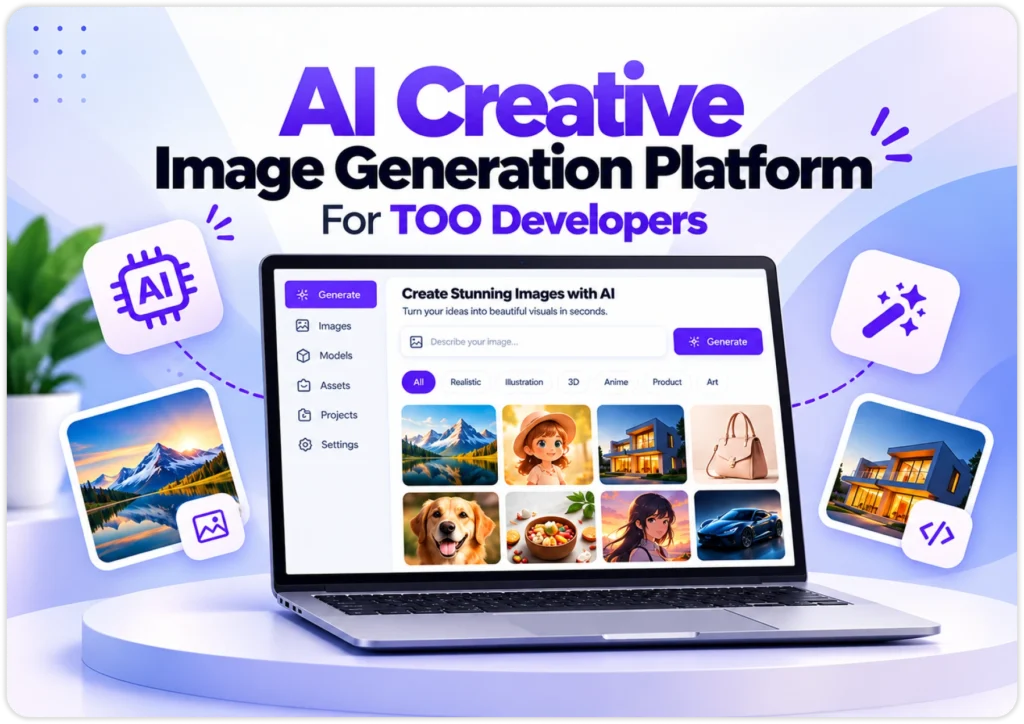
This AI creative image generation platform runs in the browser. Teams make, edit and sort images in one shared workspace using diffusion models and cloud GPUs, with no hardware or software to install.

ai-creative-image-generation-platform-for-too-developers
ai-image-creation-workspace-client-requirements

Client Requirement

The client needed an enterprise AI image generation web application platform that makes high-resolution images right inside the web browser.


It also needed sub-second previews, shared team workspaces, asset tagging and smart ways to cope with VRAM limits and slow heavy workloads.

The Solution

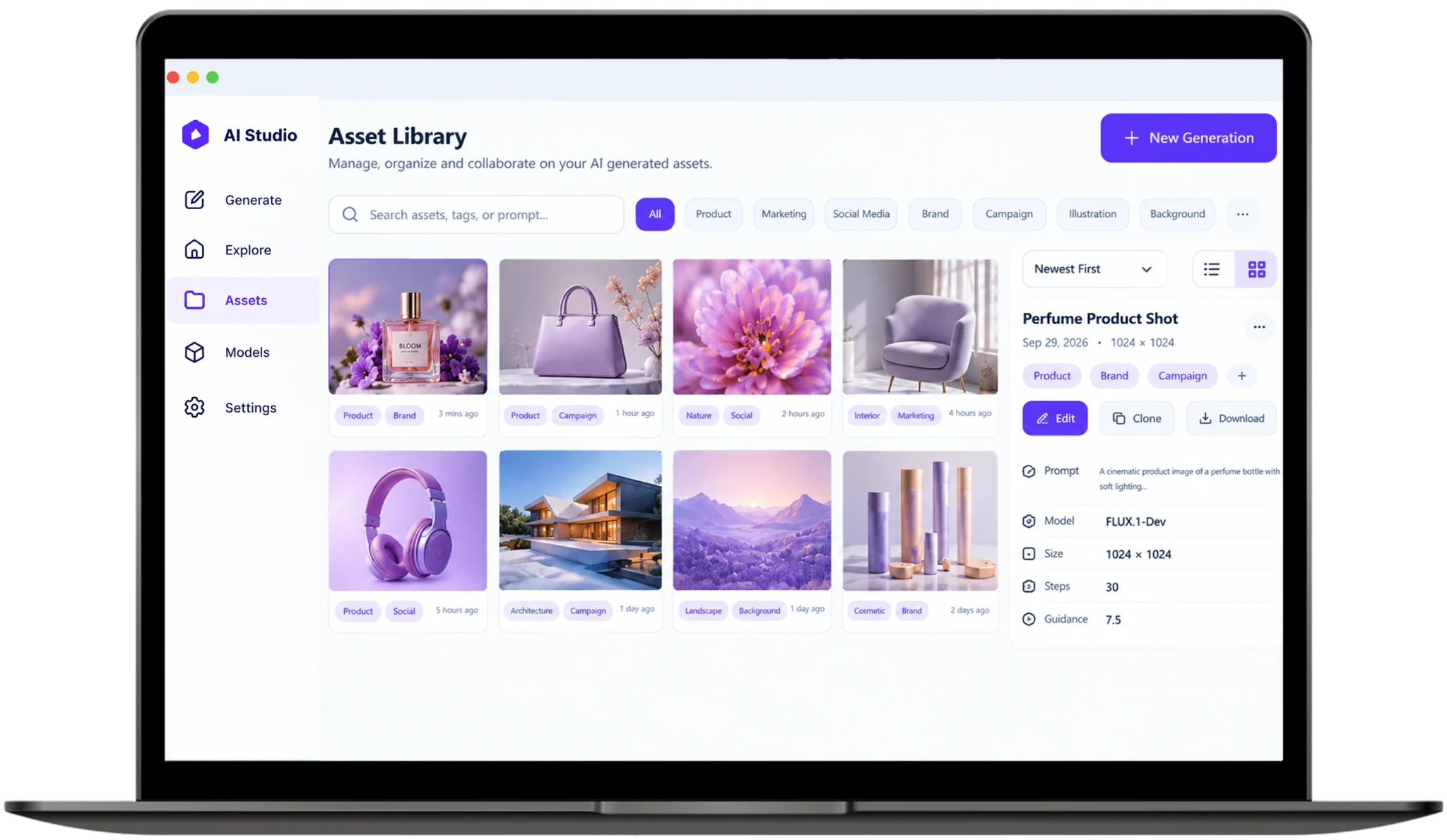
We built an automated prompt engineering and image asset management web application with Next.js in front and FastAPI to power the back end.


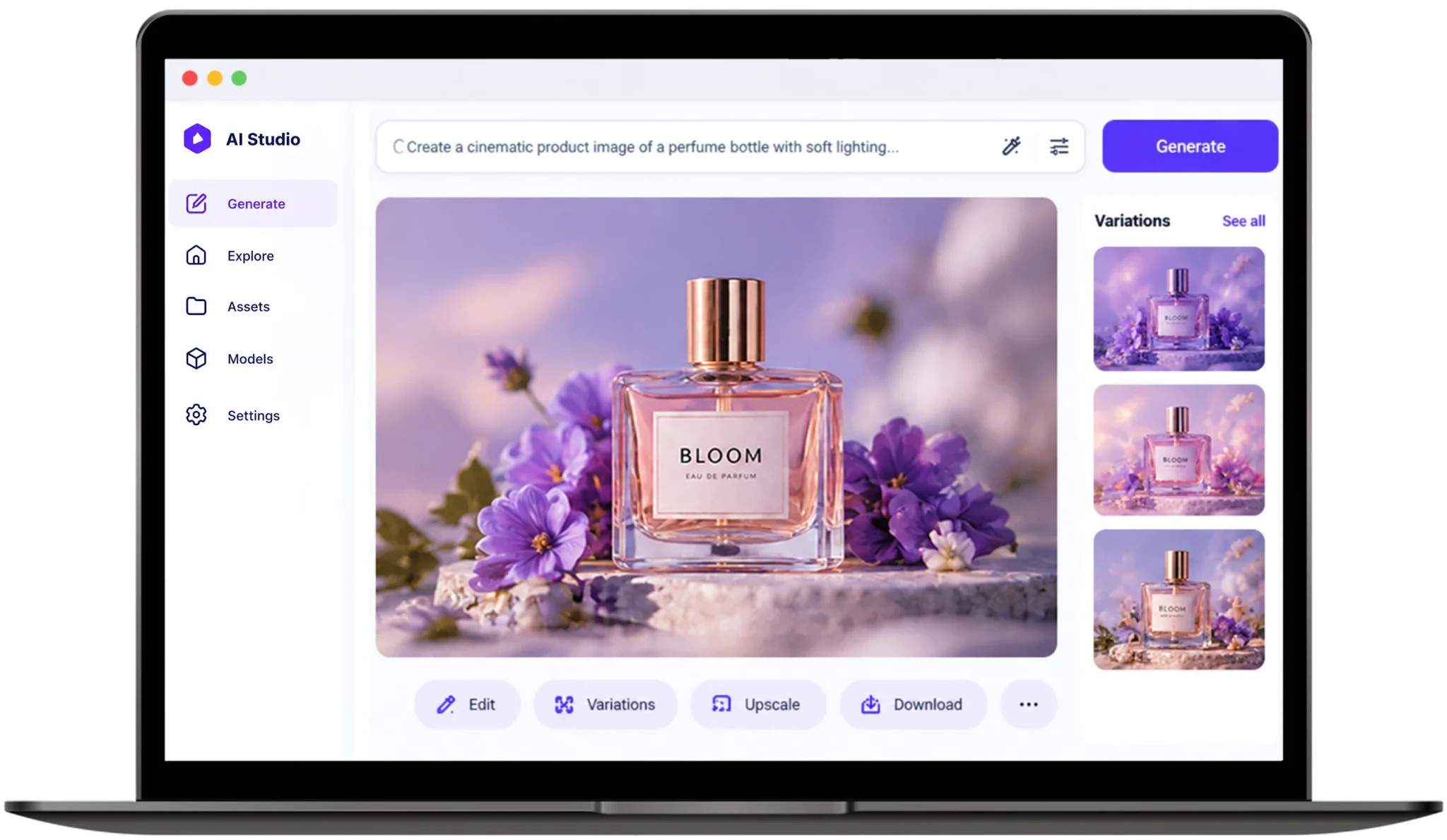
A low latency WebSocket AI image generation platform for digital teams streams every step live, so users see every image form as it is made.

ai-image-creation-workspace-client-solution

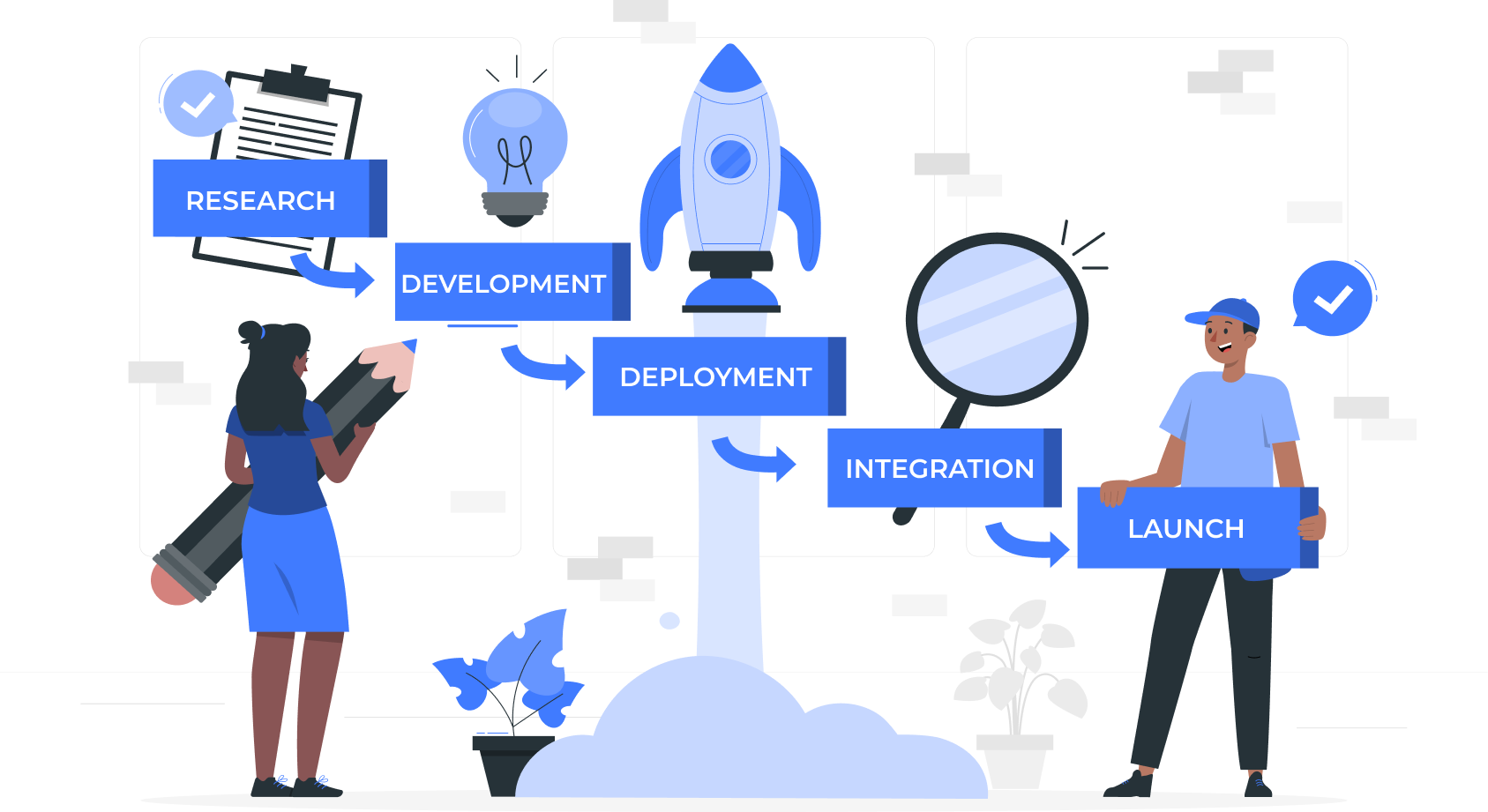
Our Development Process

01

Study Team Needs:

•We talked with creative teams about their daily image work, listed the slow steps and scattered files and turned them into a simple plan for the new workspace.
02

Build Web Interface:

•We built the web interface with Next.js and a simple canvas, so the latent diffusion model web interface feels quick and smooth on desktops, tablets and phones.
03

Set Up GPUs:

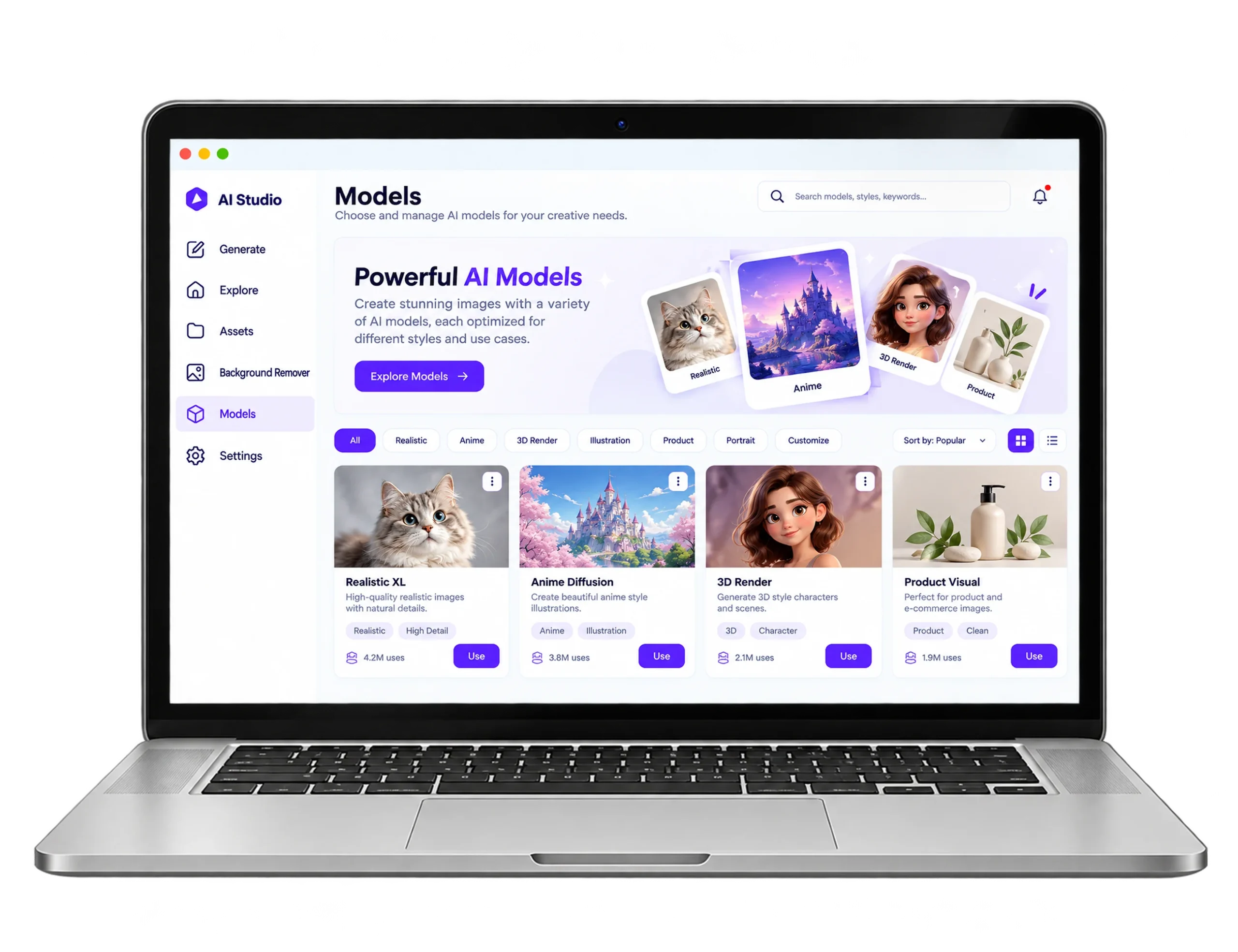
•We set up Stable Diffusion and FLUX on serverless GPUs so teams can run a browser-based Flux AI image generation web app without owning any hardware themselves.
04

Add Live Previews:

•We added live WebSocket previews and the real-time canvas neural rendering pipeline, so designers see each step and keep refining their prompts without waiting.
05

Test And Launch:

•We tested heavy workloads, low VRAM cases and busy hours, then launched the platform so enterprise creative teams can share one workspace in the browser window.
AI Creative Image generation-development-process

Visual Showcase

ai-creative-showcase

Key Features

ai creative-image-generation-key-feature
01

Faster Pages:

Server-side rendering and code-splitting cut page load times by 40%, so the latent diffusion model web interface feels fast and smooth on desktops, tablets and phones in daily use.

02

Lower Latency:

TensorRT and async FastAPI workers cut latency by 55%. The real-time canvas neural rendering pipeline shows previews in under a second, so designers refine prompts without waiting.

03

Quicker Assets:

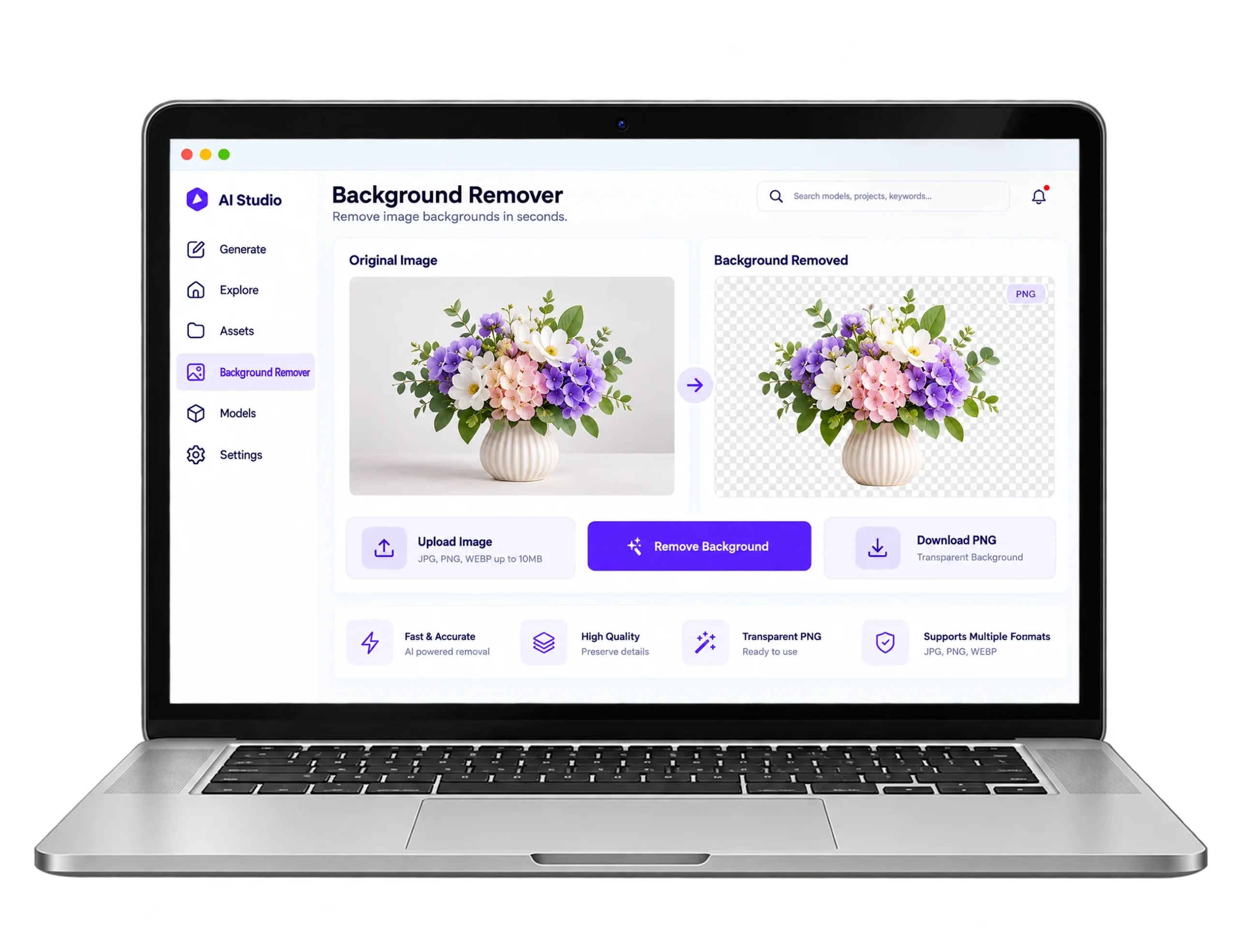
Automated prompt expansion and a clear workspace help teams generate, refine and batch-export finished images and asset generation time dropped by 65% for multi-channel campaigns.

04

Lower GPU Cost:

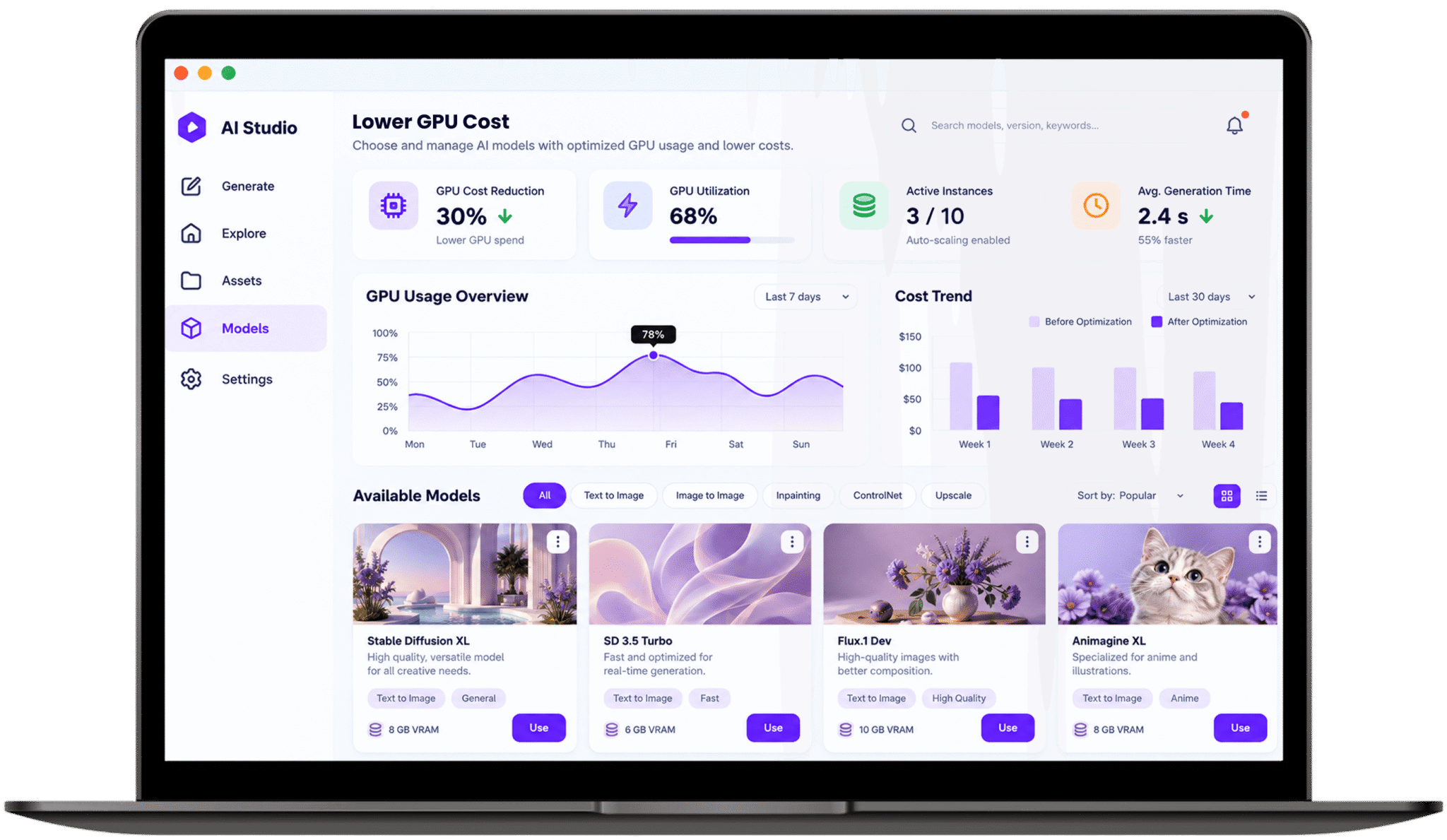
Job queues, model offloading and serverless GPU auto-scaling get more from limited VRAM at peak traffic, and GPU spend fell by 30% while generation speed and API times held steady.

Technology We Used

technologies-next.js

Next.js

technologies-react

React.js

technologies-python

Python

technologies-fastAPI

FastAPI

technologies-postgresql

Postgresql

technologies-redis

Redis

Frequently Asked Questions

Explore answers to the most common questions about our services, workflows, and support. Clear information, all in one place.

What is an enterprise AI image generation web application platform?

It is a browser-based system where teams generate, edit and organize AI images together, with permissions, tagging and shared workspaces built in. Heavy model work runs on cloud GPUs, so studios need no local hardware and can keep campaign visuals consistent.

A WebSocket keeps one connection open, so the server can push each denoising step to the browser as it finishes instead of waiting for repeated requests. In this project, inference latency fell 55% through TensorRT acceleration and asynchronous workers, while WebSockets streamed live previews.

The browser sends a prompt to a backend API, which queues the job and hands it to a diffusion model running on GPUs. Progress streams back live and finished images are stored, tagged and searchable. The user only ever sees a web page.

Write a prompt, generate variations, refine regions on the canvas, then tag and save the winners in the same workspace. Automated prompt engineering and image asset management keep every version searchable, so nothing leaves the browser until it is exported.

Package the API and models in Docker containers, run them on Kubernetes with GPU nodes and connect a web front end over WebSockets. Check the licence first: FLUX.1 [dev] weights are non-commercial by default, so business use needs a commercial licence from Black Forest Labs.

Other Projects We’ve Developed

hr-attendance-payroll-platform
hospital-management-patient-portal
banking-finance-management-dashboard-feature