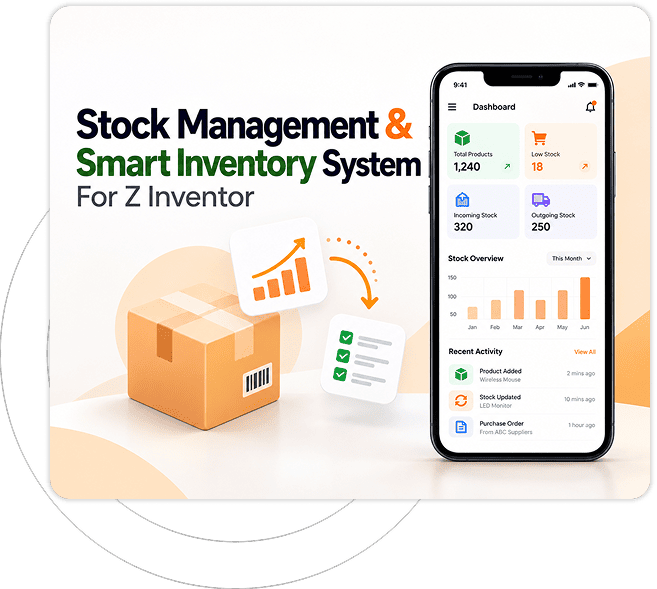



Stock Management & Smart InventorySmart Inventory App For Z Inventor

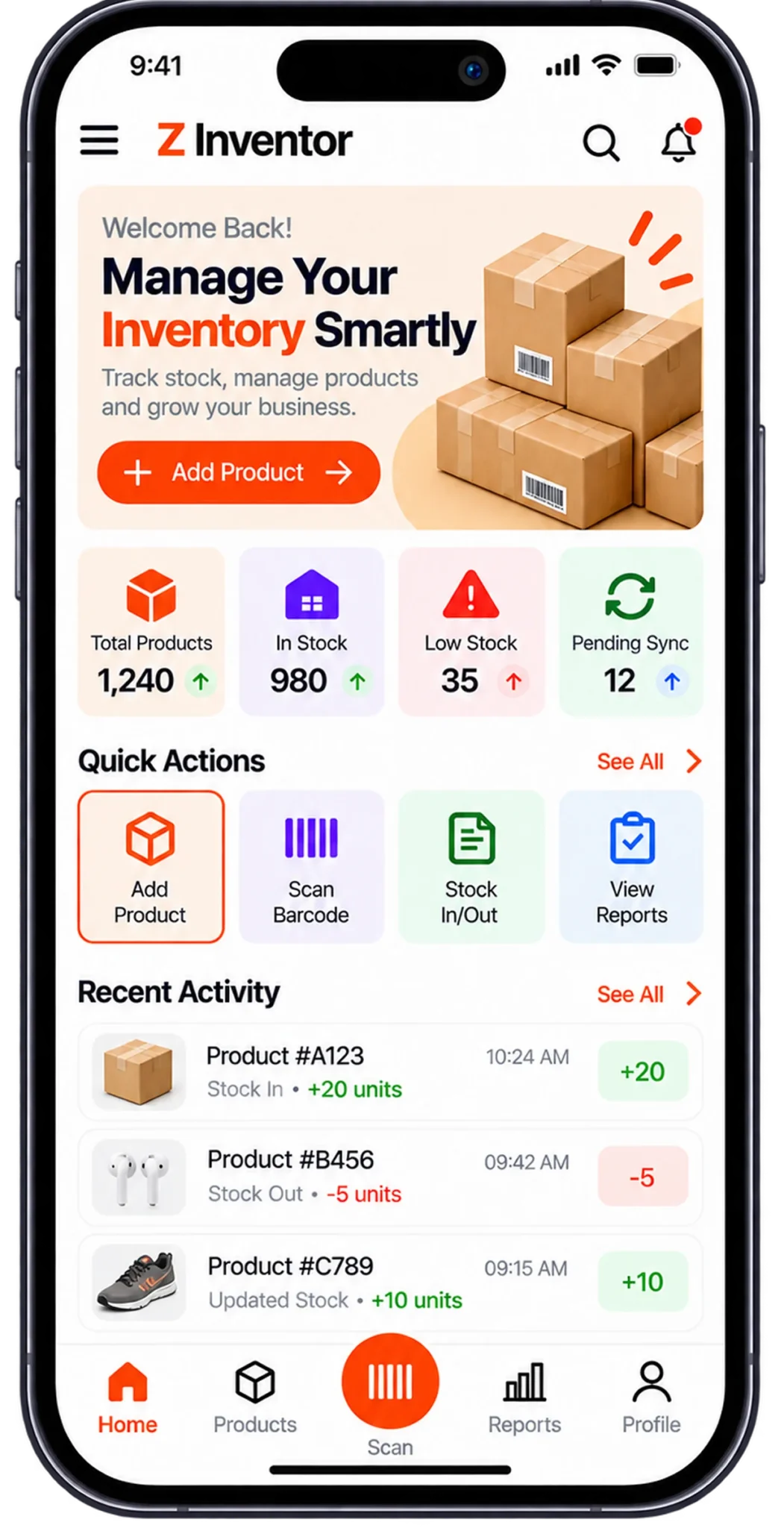
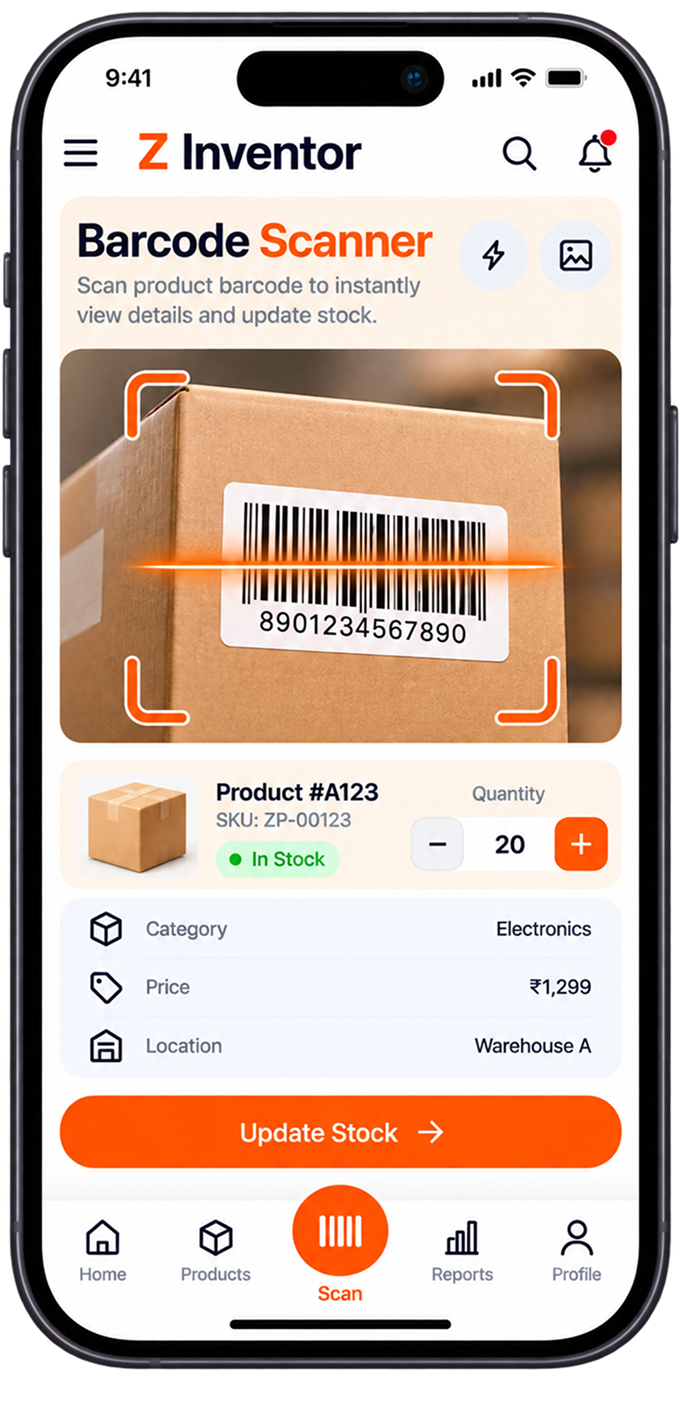
This inventory barcode scanner app brings real-time warehouse stock tracking to Android and iOS. Field workers scan, transfer and audit inventory straight from a smartphone camera, with offline sync keeping data safe when a signal drops.

inventory-barcode-scanner-app-hero

About

Stock Management & Smart Inventory App

Designed for warehouse staff, logistics personnel and field managers, this cross-platform mobile app puts stock control directly in workers’ hands. Operating on both Android and iOS, it reads barcodes and QR codes through the phone camera for instant stock updates. Paired with real-time cloud sync, it turns any handheld device into a scanner for stock transfers, receiving and cycle counts on the warehouse floor.

mobile-inventory-app-requirements

Client Requirement

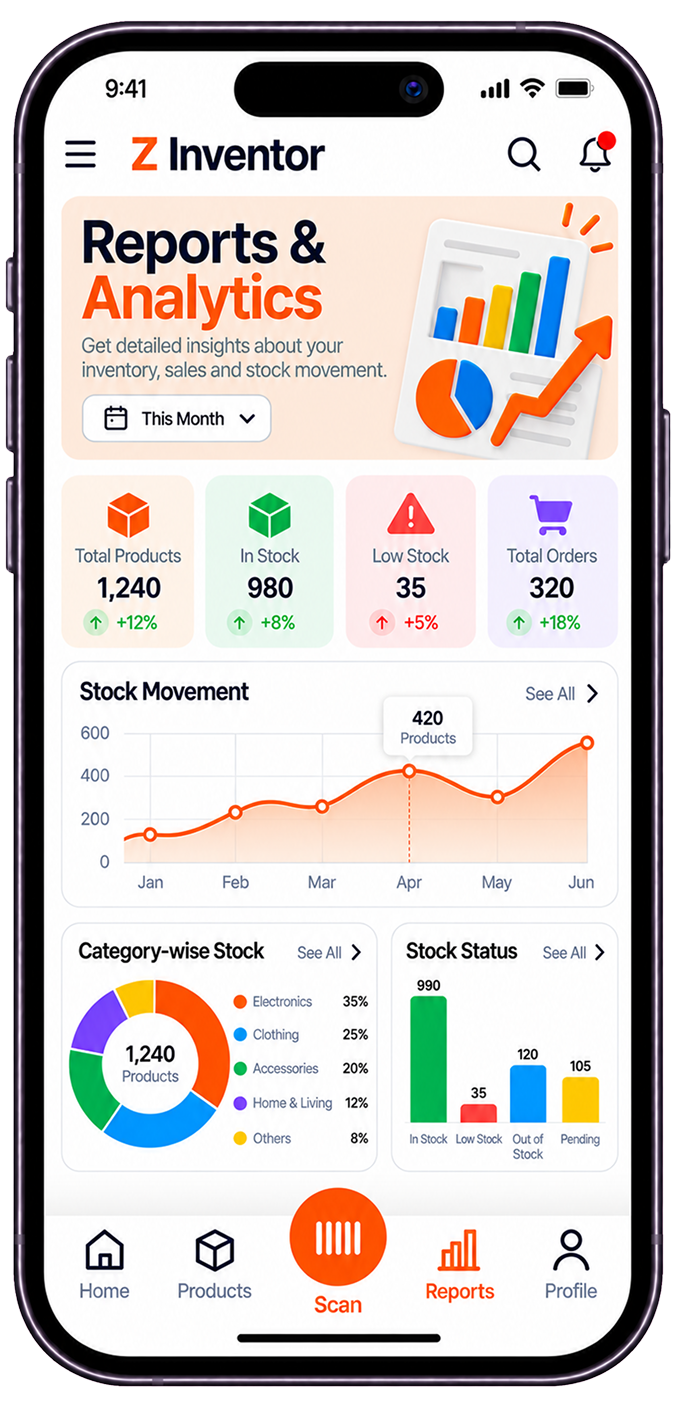
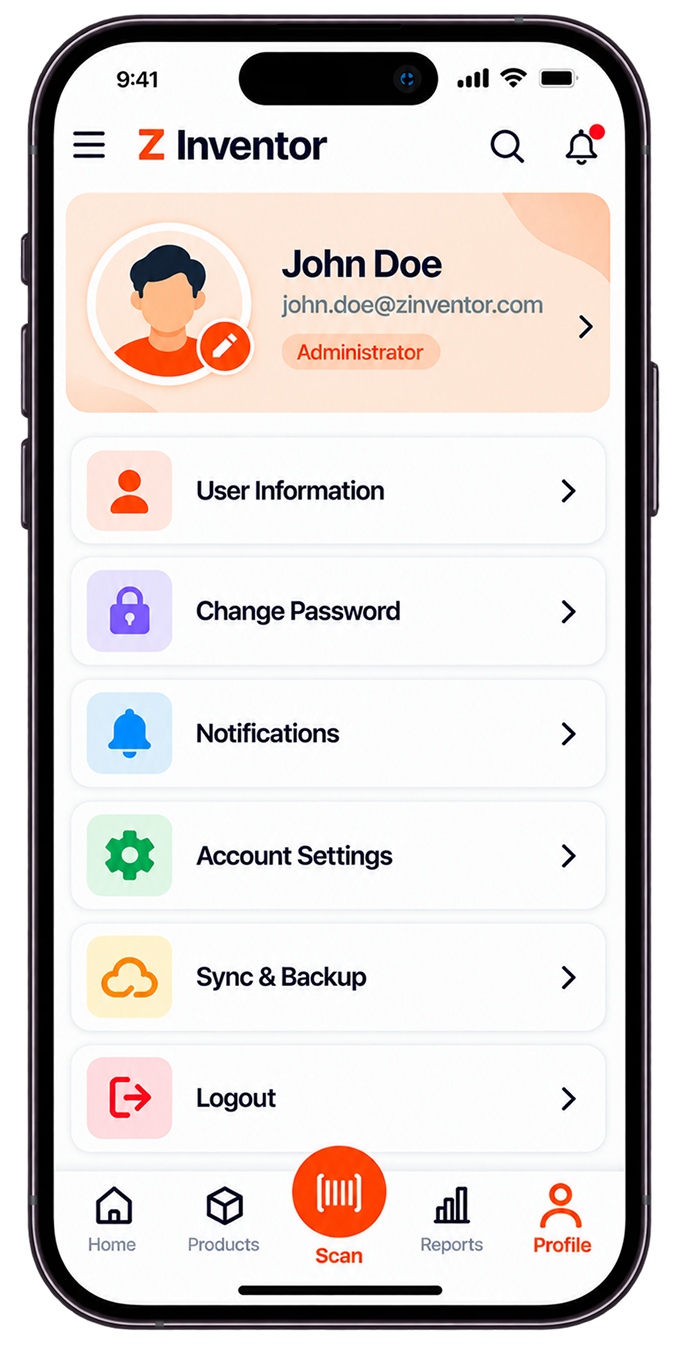
The client needed a cross-platform mobile app that freed warehouse operators from fixed desktop workstations across Android and iOS devices. Priorities included fast camera-based barcode and QR scanning, real-time sync with the central database, dynamic low-stock push notifications and reliable offline functionality. The interface also had to require little to no training, so new warehouse staff could scan and log stock movement productively within their first shift.

The Solution

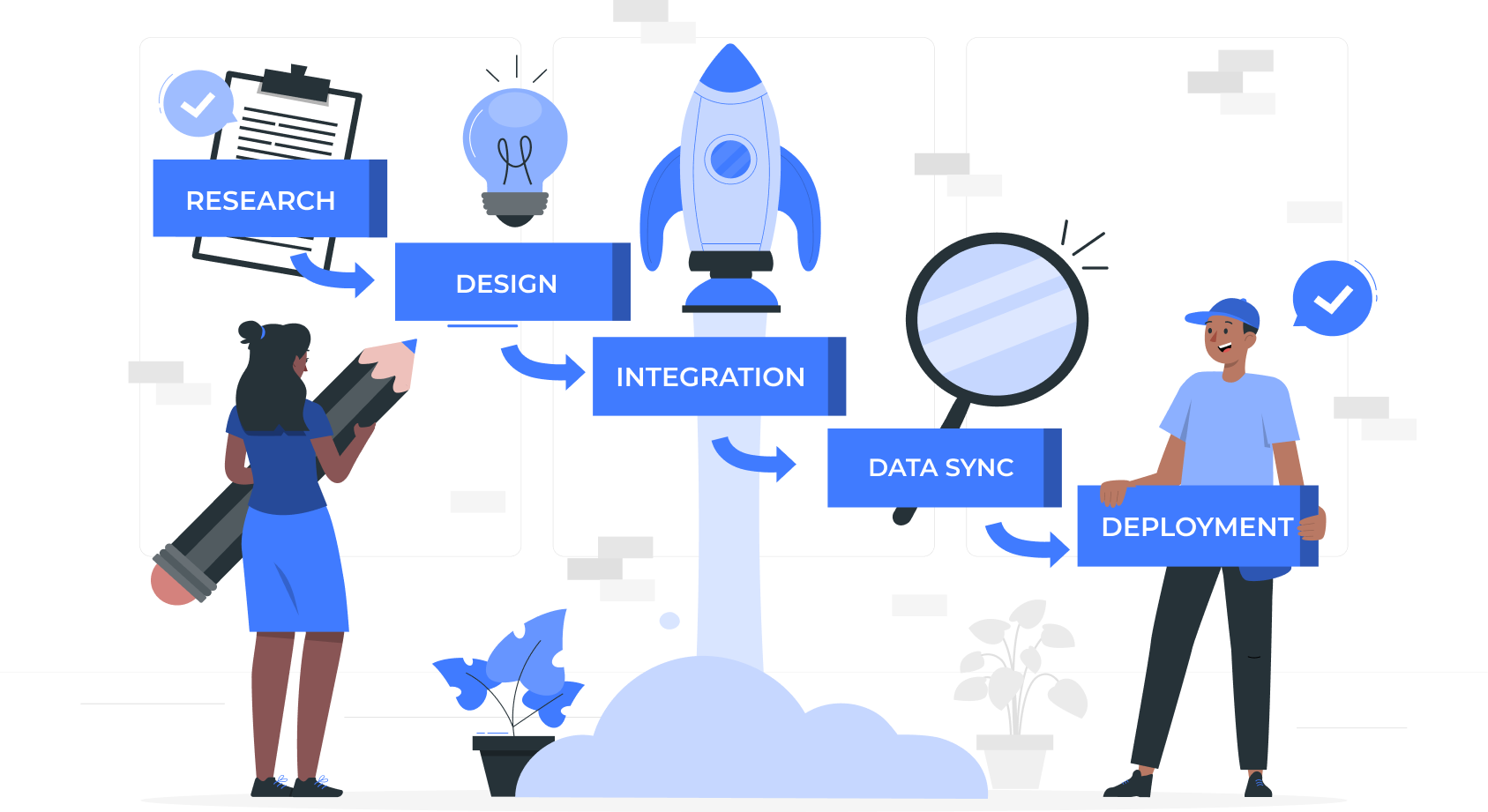
We built a cross-platform app using React Native and the Expo SDK, giving uniform native performance on Android and iOS from one codebase. Hardware-accelerated camera scanning handles instant product verification and stock adjustment on the floor. Offline storage with automated backend sync over RESTful APIs keeps operations running in remote stockrooms and large warehouse facilities, even where signal coverage is unreliable.

barcode-inventory-management-asolution

Our Development Process

01

Scan Speed Boosted:

Camera hardware optimizations and native scanning algorithms capture QR and barcode data almost instantly. Field workers process receiving shipments and inventory audits fast, without relying on separate, expensive dedicated scanner hardware.

02

Data Sync Accelerated:

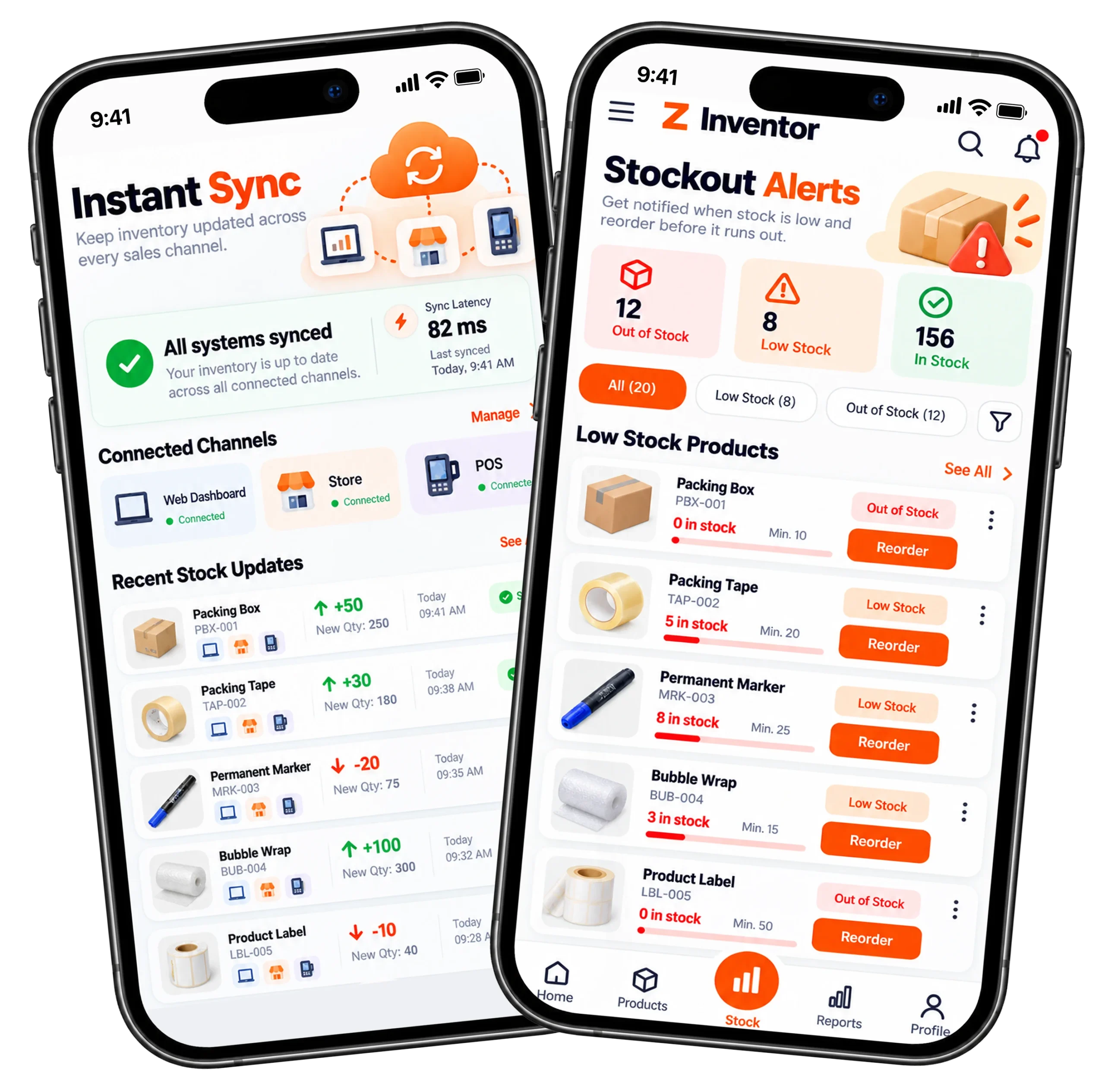
Optimized GraphQL and REST endpoints reflect scanned stock updates on connected web dashboards almost instantly. Fast synchronization prevents overselling and duplicate stock assignments across sales channels, even during high-volume receiving periods.

03

Offline Reliability Maintained:

Local SQLite caching queues barcode scans, stock updates and audit records while a device is offline. The app syncs pending transactions automatically the moment connection is restored, so no scanned data ever gets lost.

04

Stockout Prevention Enhanced:

Automated push notifications alert floor managers immediately when scanned item counts drop below safety thresholds. Fast mobile alerting lets teams place purchase orders proactively, before depleted stock disrupts order fulfillment.

05

Worker Onboarding Time Reduced:

A simple, modern interface keeps cognitive load low for floor operators handling scans all day. Standardized touch workflows let new warehouse staff perform stock receives and audits productively within their first few minutes on the app.

Application Visual Showcase

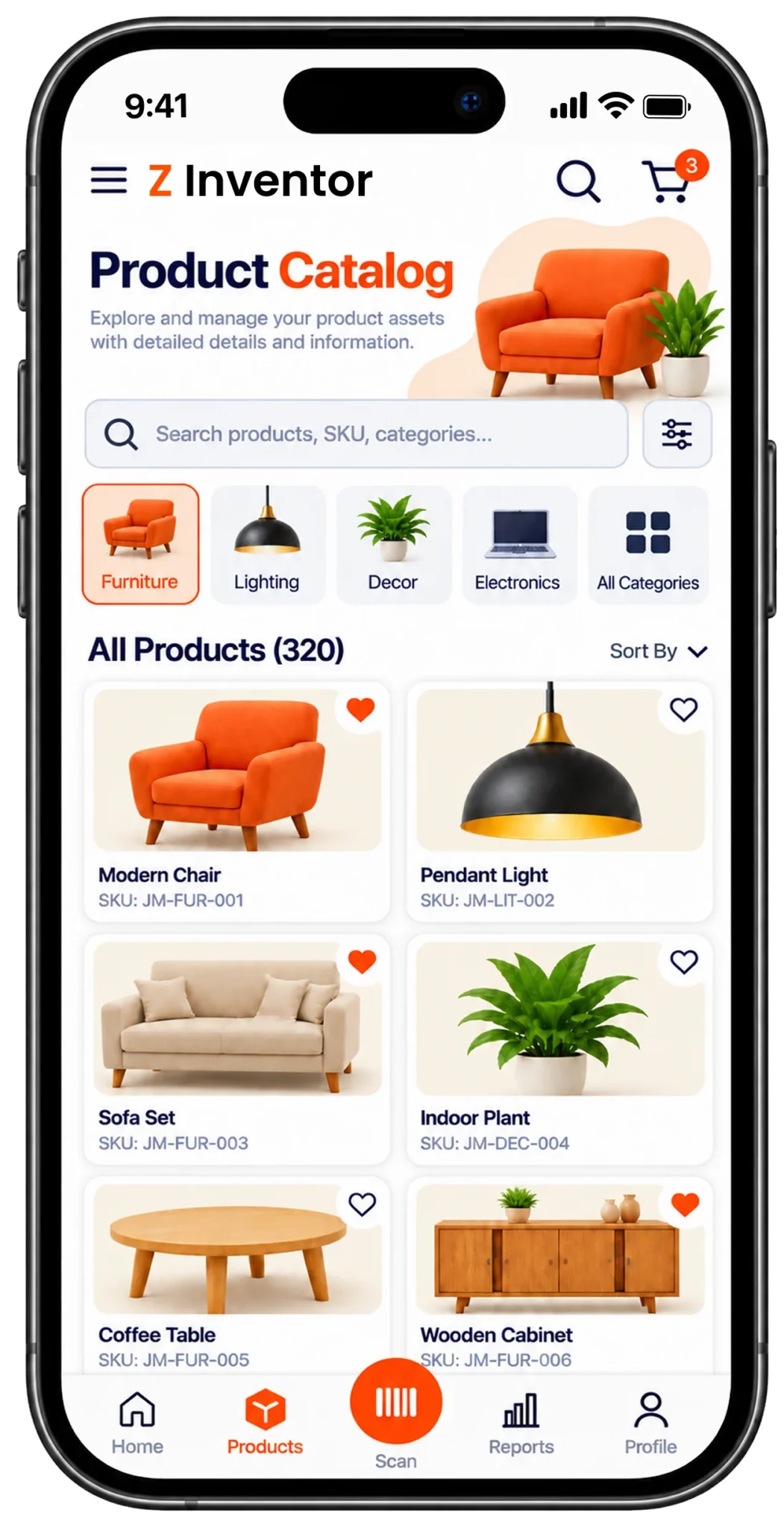
mobile-inventory-scanner-app

Technology We Used

Expo SDK

technologies-react

React.js

technologies node.js

Node.js

Axios

technologies graphQL api

GraphQL

Frequently Asked Questions

Explore answers to the most common questions about our services, workflows, and support. Clear information, all in one place.

How does a barcode scanning app work for inventory management?

It uses the phone’s camera to read a barcode, then sends that data to the app’s local database or cloud server. On this app, scans queue locally through SQLite when offline and sync automatically the moment a connection returns.

It lets one codebase deploy to both Android and iOS, cutting engineering overhead in half compared to building two native apps. React Native also gives direct hardware access for camera-based barcode scanning and supports offline engines like SQLite.

Yes, when it’s built for offline-first use. Scans, stock updates and audit records queue locally on the device and sync automatically once the connection returns, so basements and low-signal storage areas don’t stop work.

In well-built systems, alerts arrive within seconds of a scan crossing the safety threshold. This app pushes notifications through Firebase and WebSockets within 2 seconds, so managers can act before a stockout disrupts fulfillment.

For most warehouses, yes. A modern smartphone camera paired with a hardware-accelerated scanning engine reads 1D and 2D codes as reliably as dedicated devices, at a fraction of the cost, while still syncing to the same central database.

Other Projects We’ve Developed

truck-fleet-management-mobile-app-feature
digital-document-workflow-platform
ai-image-to-video-generation-feature