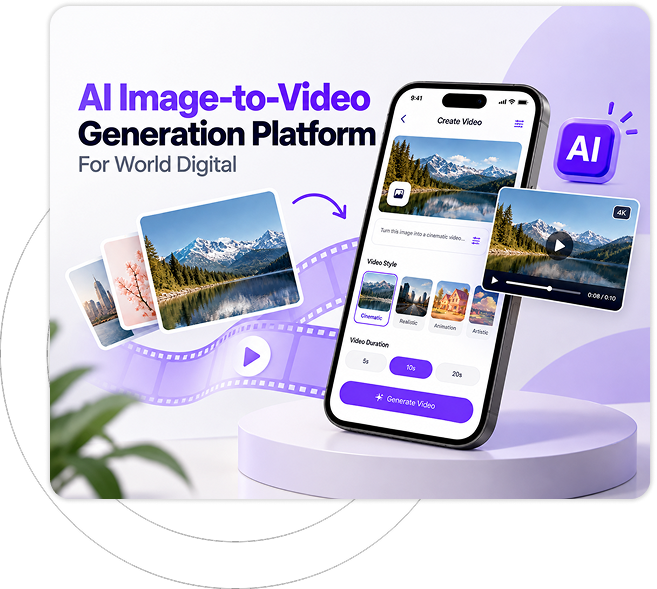

AI Image to Video Generation App For World Digital

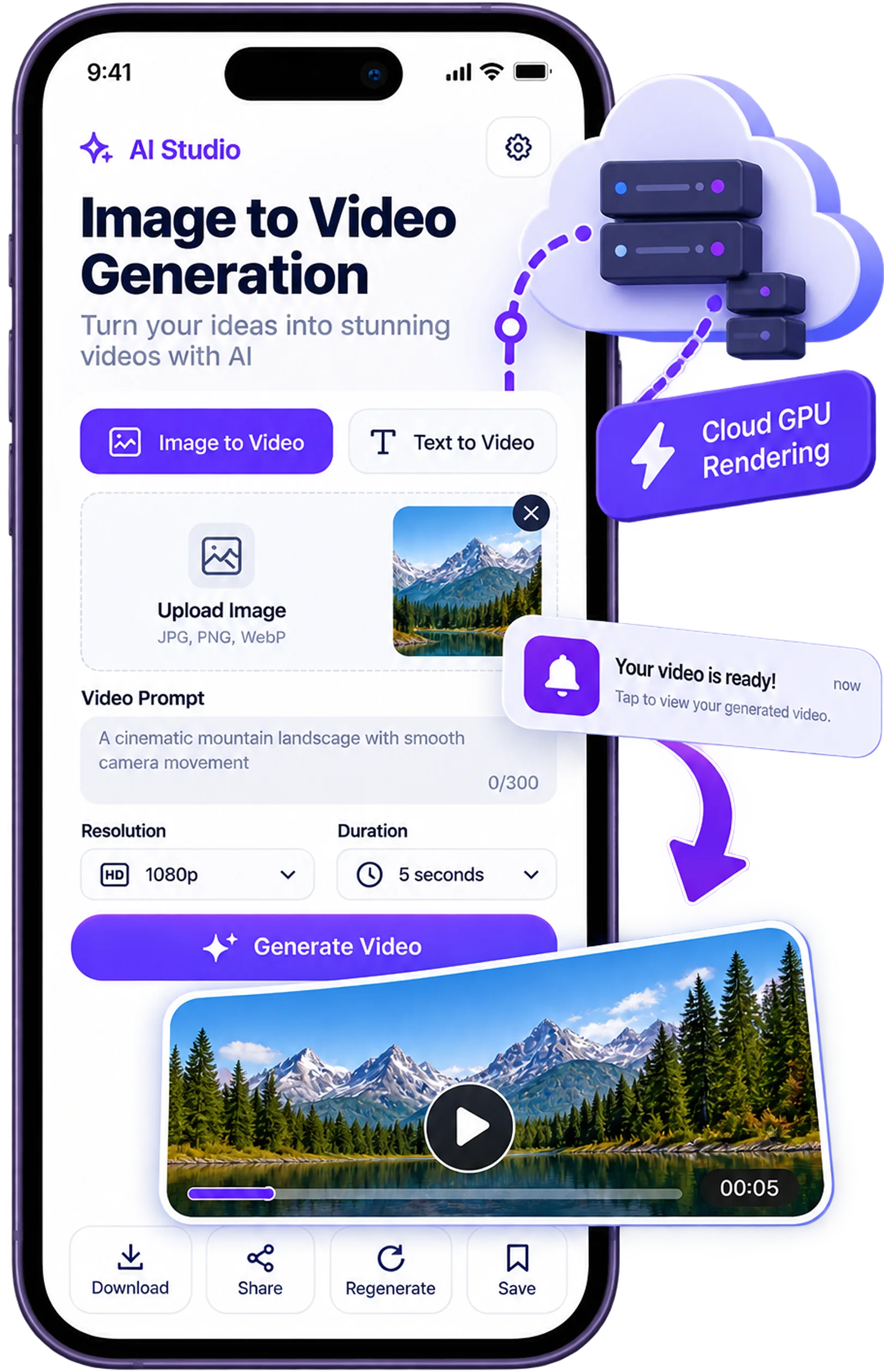
This AI photo to video converter app lets creators turn pictures into short videos straight from an iPhone or Android phone. Rendering happens on cloud GPUs, so the phone stays cool and a push notification arrives the moment a finished clip is ready to share.

aI-photo-to-video-converter-app

About

AI Image to Video Generation App

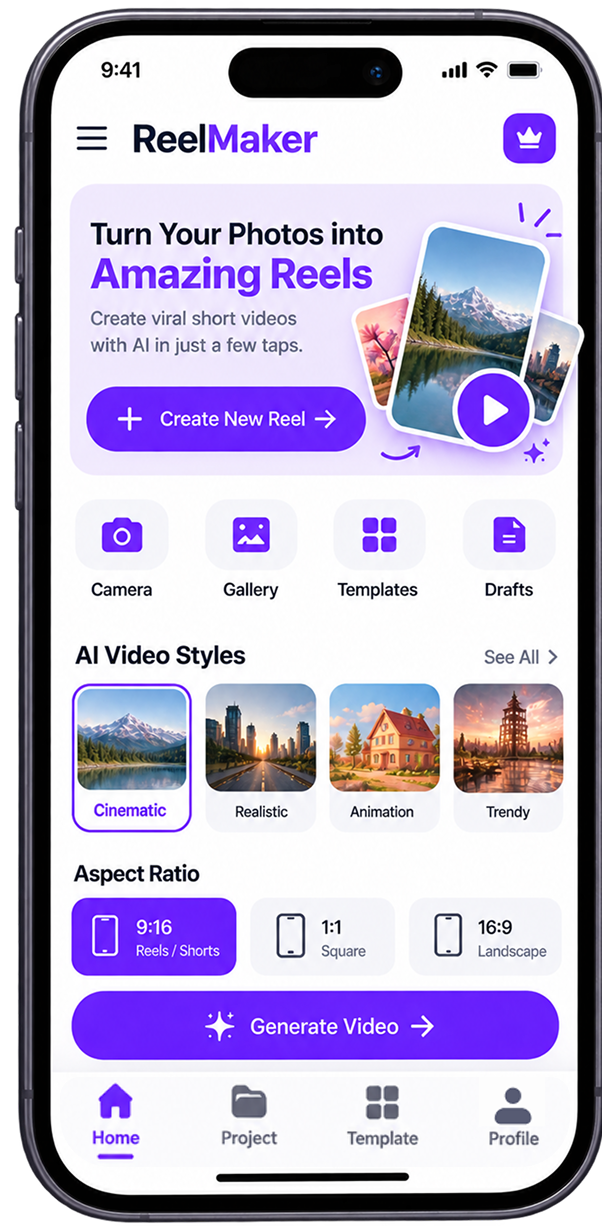
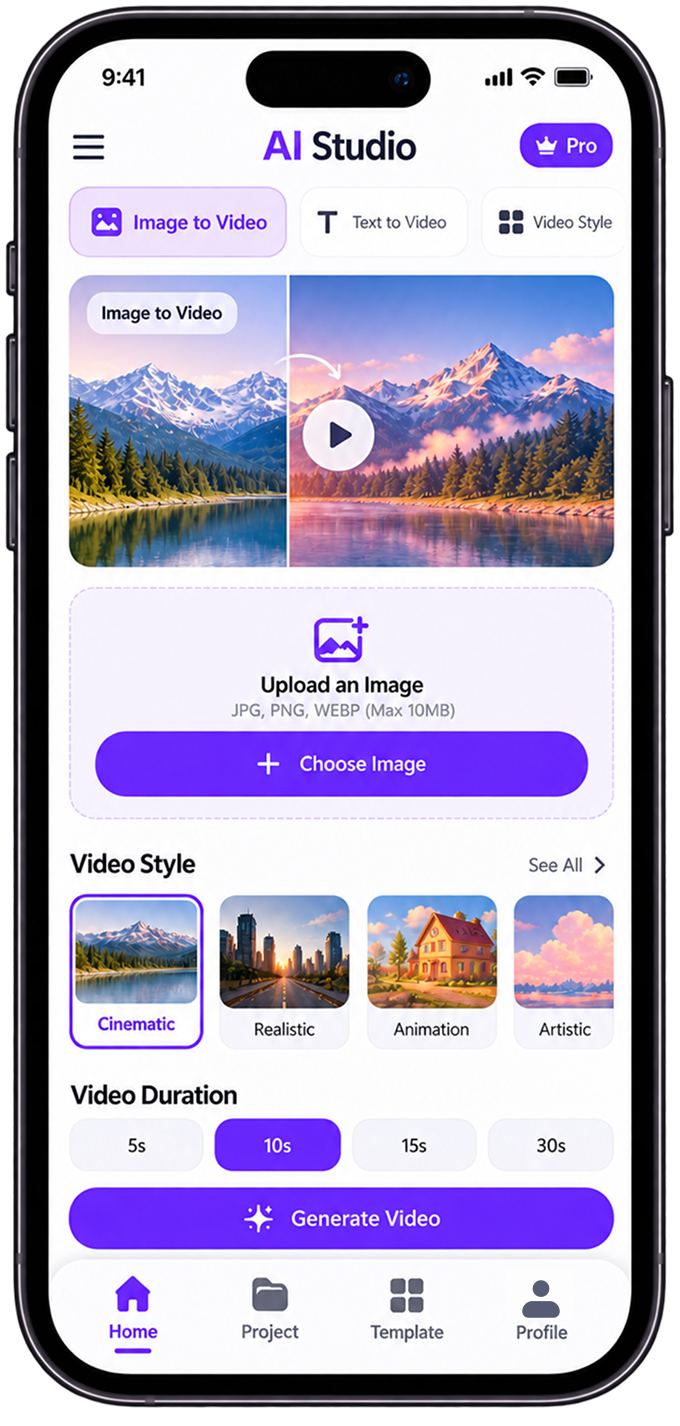
Made for influencers, social media creators and mobile marketers, this mobile AI video generation app brings an AI Image-to-Video Generation Platform to iOS and Android phones. It follows an automated workflow: pick a photo and AI motion synthesis software backed by cloud diffusion models adds movement, then you share. Native gestures, background rendering, camera roll access, offline drafts and direct publishing turn a smartphone into a portable video studio anywhere.

mobile-ai-video-creation-requirements-for-social-media-creators

Client Requirement

The client required a high-performing iOS Android app that turns photos into Instagram reels automatically, built to win over the mobile creator market. Essentials included fluid touch navigation, background video processing so users could leave the app mid-render, instant push notifications on completion and low battery drain. The app also needed native camera access, offline draft management and one-tap export to TikTok, Instagram Reels, and YouTube Shorts in 9:16 format.

The Solution

We built a native-performing cross-platform app with React Native and C++ modules, paired with a cloud GPU worker queue that handles all diffusion model video rendering off the device. Firebase and Apple APNs push alerts announce finished jobs, so users can leave the app while their videos render. Metal and Vulkan acceleration keep previews smooth, while lean REST and gRPC APIs deliver frame-interpolated, temporally consistent results over 4G and 5G.

ai-video-generation-mobile-app-with-cloud-rendering

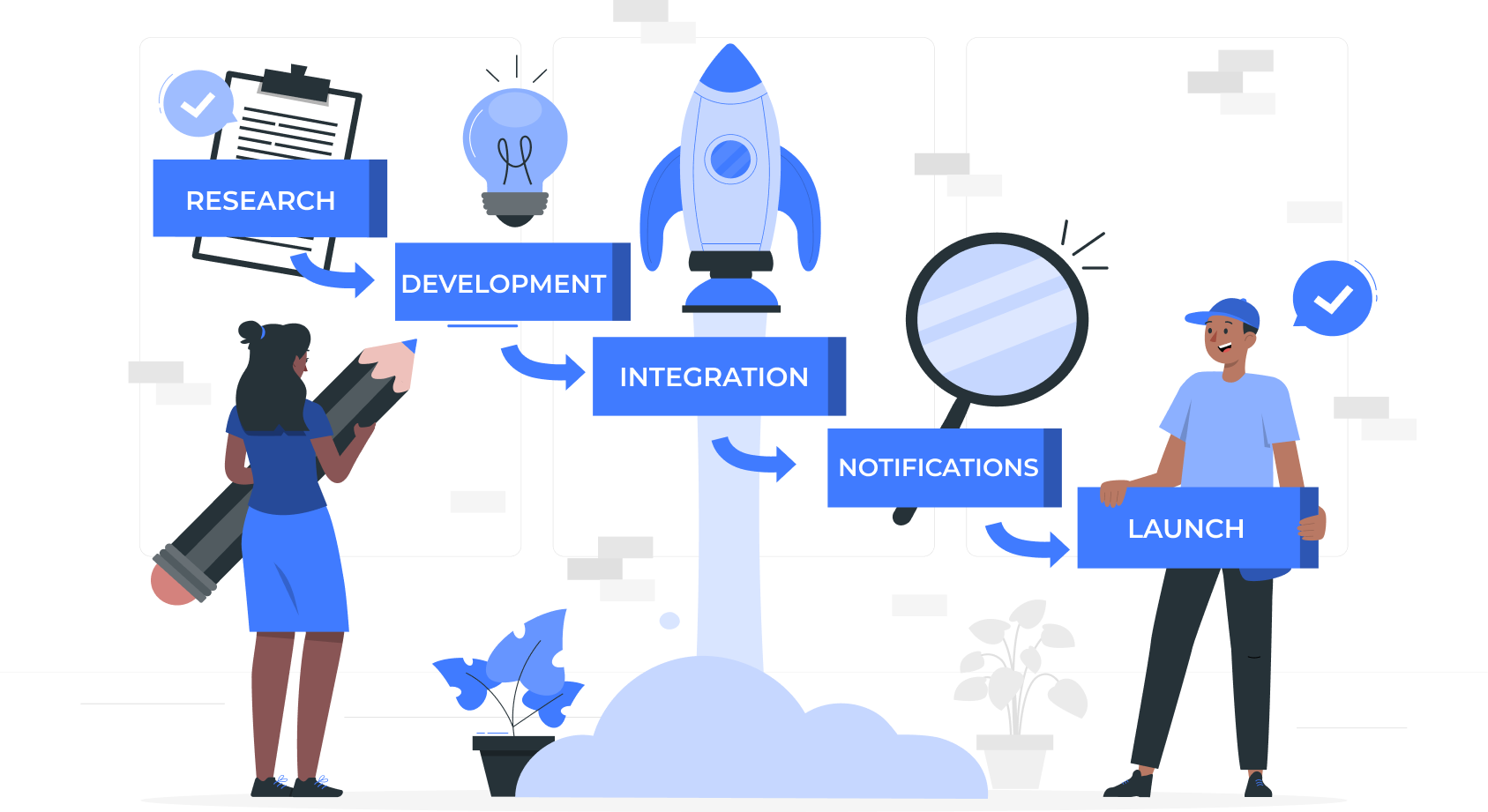
Our Development Process

01

App Engagement Elevated:

A swipe-based creation flow with haptic feedback and instant style presets makes turning a photo into video feel effortless. Creators return daily because posting fresh content takes only a few taps from their own phone.

02

Battery Consumption Reduced:

Heavy diffusion compute workloads run on remote GPU services rather than the handset, so phones stay cool and efficient. Users can queue several rendering requests in a row without watching their battery percentage drop fast.

03

Push Notification Conversion Increased:

Asynchronous rendering alerts through Apple APNs and Firebase Cloud Messaging tell creators the moment a video finishes. They tap the notification, preview the result and publish while the idea and the audience are still fresh.

04

Video Playback Latency Decreased:

Native AVFoundation on iOS and ExoPlayer on Android, paired with HLS adaptive bitrate streaming, start clips almost instantly. Buffering stays rare across 4G, 5G and shaky Wi-Fi, so previews keep up with the creator’s pace.

05

Social Export Speed Accelerated:

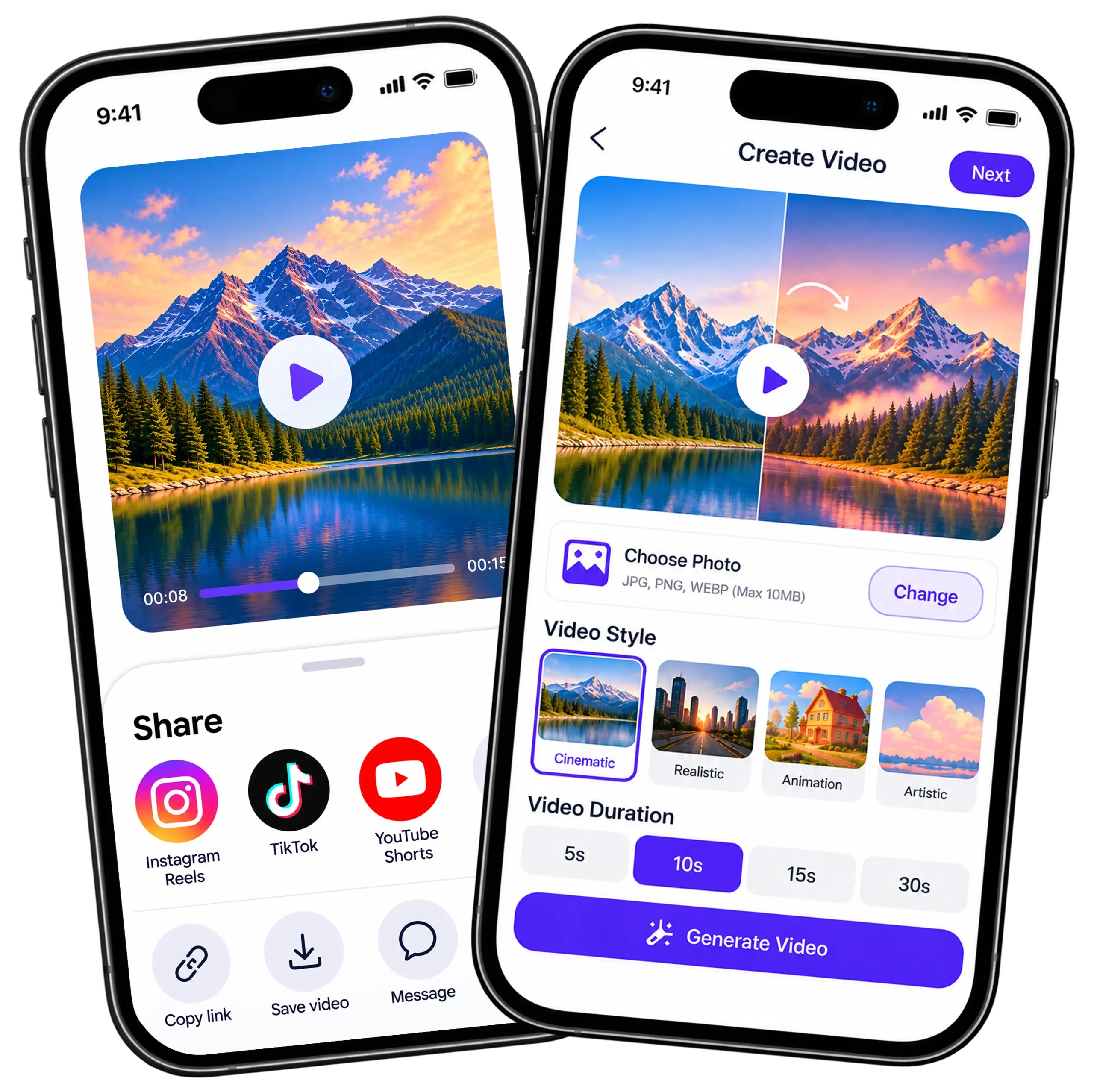
Custom native SDK bridges let creators crop, format and export finished AI clips straight into TikTok, Instagram Reels and YouTube Shorts, with preset aspect ratios and optimized metadata already applied before the post goes live.

Application Visual Showcase

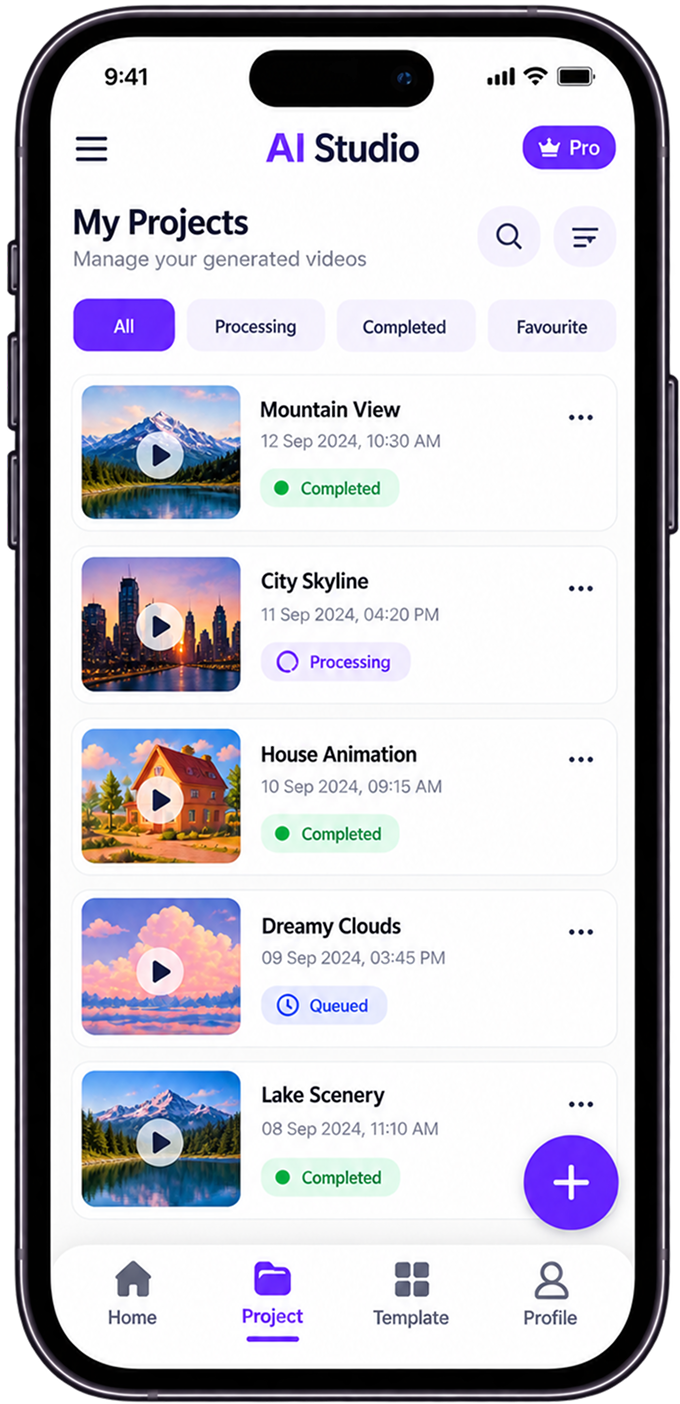
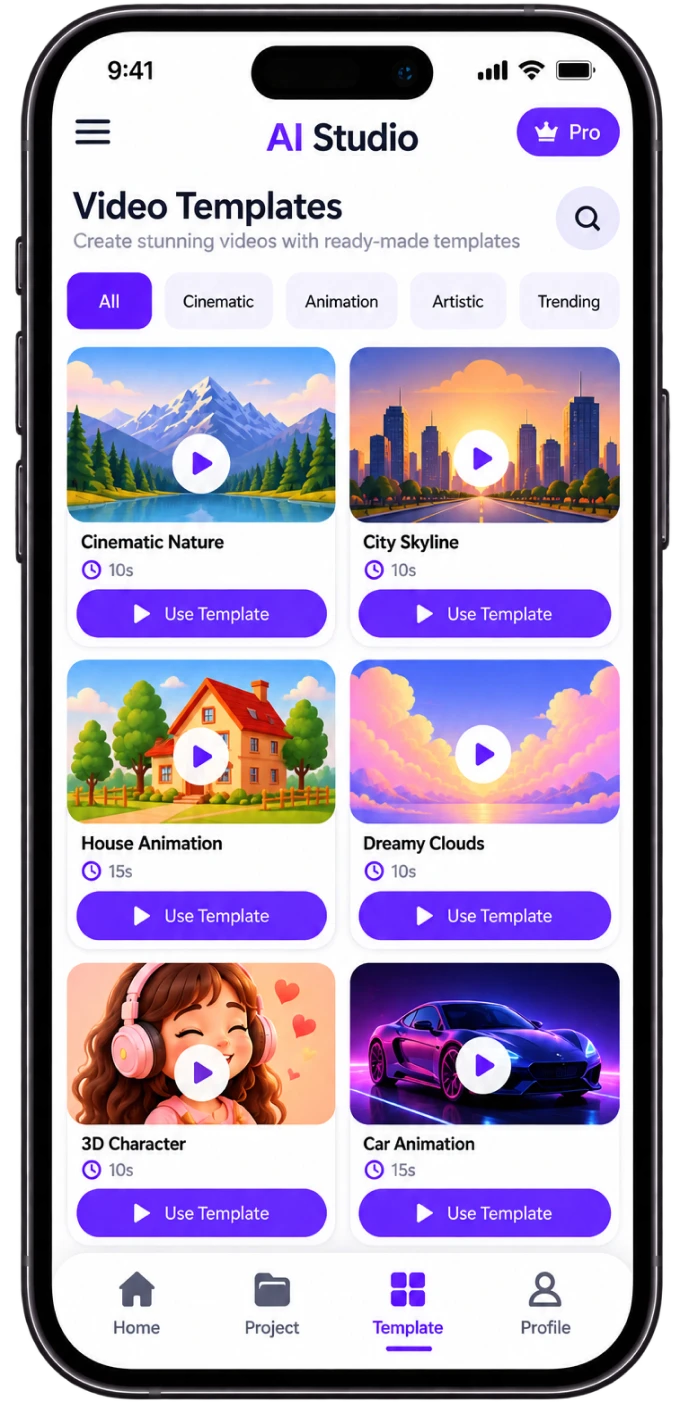
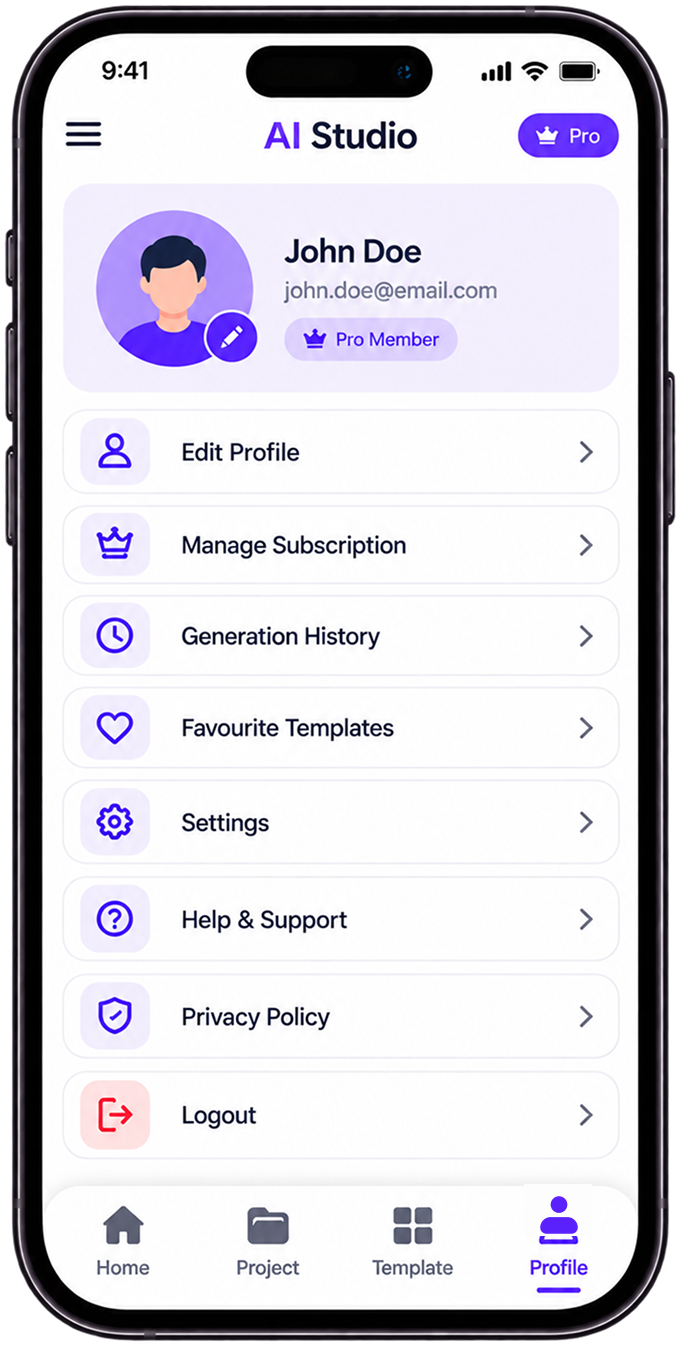
ai-image-to-video-app-showcase2
ai-image-to-video-app-showcase4
ai-image-to-video-app-showcase3

Technology We Used

technologies-typeScript

Next.js

Native C++

technologies-fastAPI

FastAPI

technologies node.js

Node.js

Firebase Analytics

App Store Connect
Frequently Asked Questions

Explore answers to the most common questions about our services, workflows, and support. Clear information, all in one place.

Which mobile AI video generation app turns photos into videos on iPhone and Android?

This one does, using an AI photo to video converter workflow that runs the same way on both platforms. You pick a photo and a style preset, cloud GPUs add the motion and a push notification announces the finished clip.

Yes, AI can turn pictures into moving clips. You upload a still, the model reads its depth and composition, motion synthesis generates interpolated frames and cloud GPUs render the final video. On mobile, that rendering happens off your phone, which protects battery life.

Open the app, choose a photo, apply a style preset and start rendering. When the notification arrives, preview the clip and share it to Instagram Reels, TikTok or YouTube Shorts in one tap, already formatted for 9:16.

Yes, if the heavy work runs in the cloud. Here, a cloud GPU worker queue processes each job while you close the app, then Firebase or APNs push alerts bring you back. Offline drafts stay saved until you reconnect.

Not much when rendering is offloaded. Before you download an AI image to video app for iOS and Android, check where the diffusion compute runs; here it happens on remote GPUs, which cut device power use during generation by 60%.

Other Projects We’ve Developed

truck-fleet-management-mobile-app-feature
inventory-barcode-scanner-app-feature
digital-document-workflow-platform