



AI Image to Video Generation Platform For World Digital
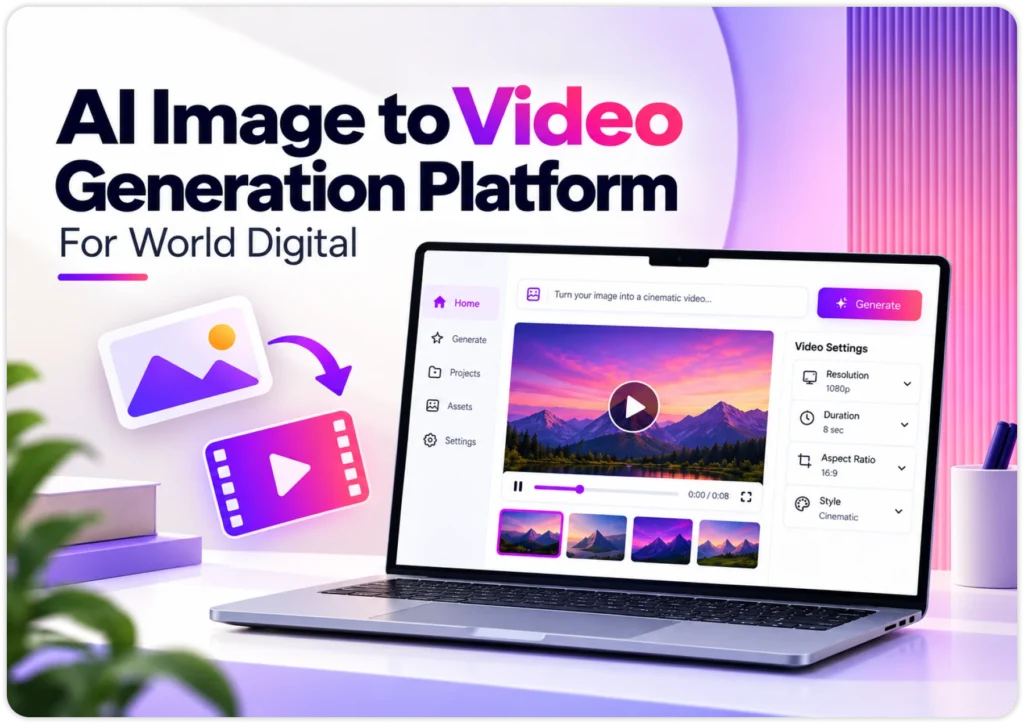
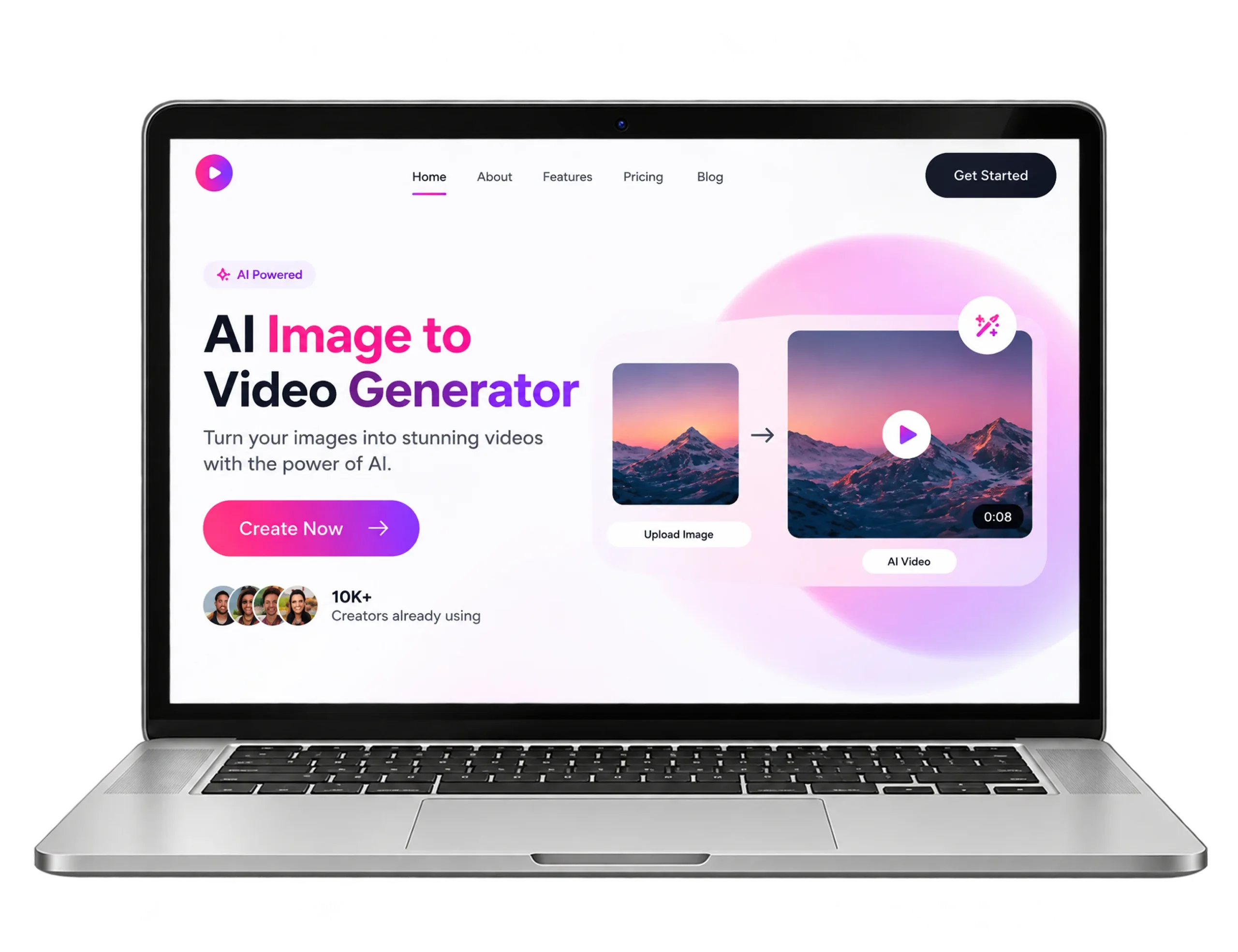
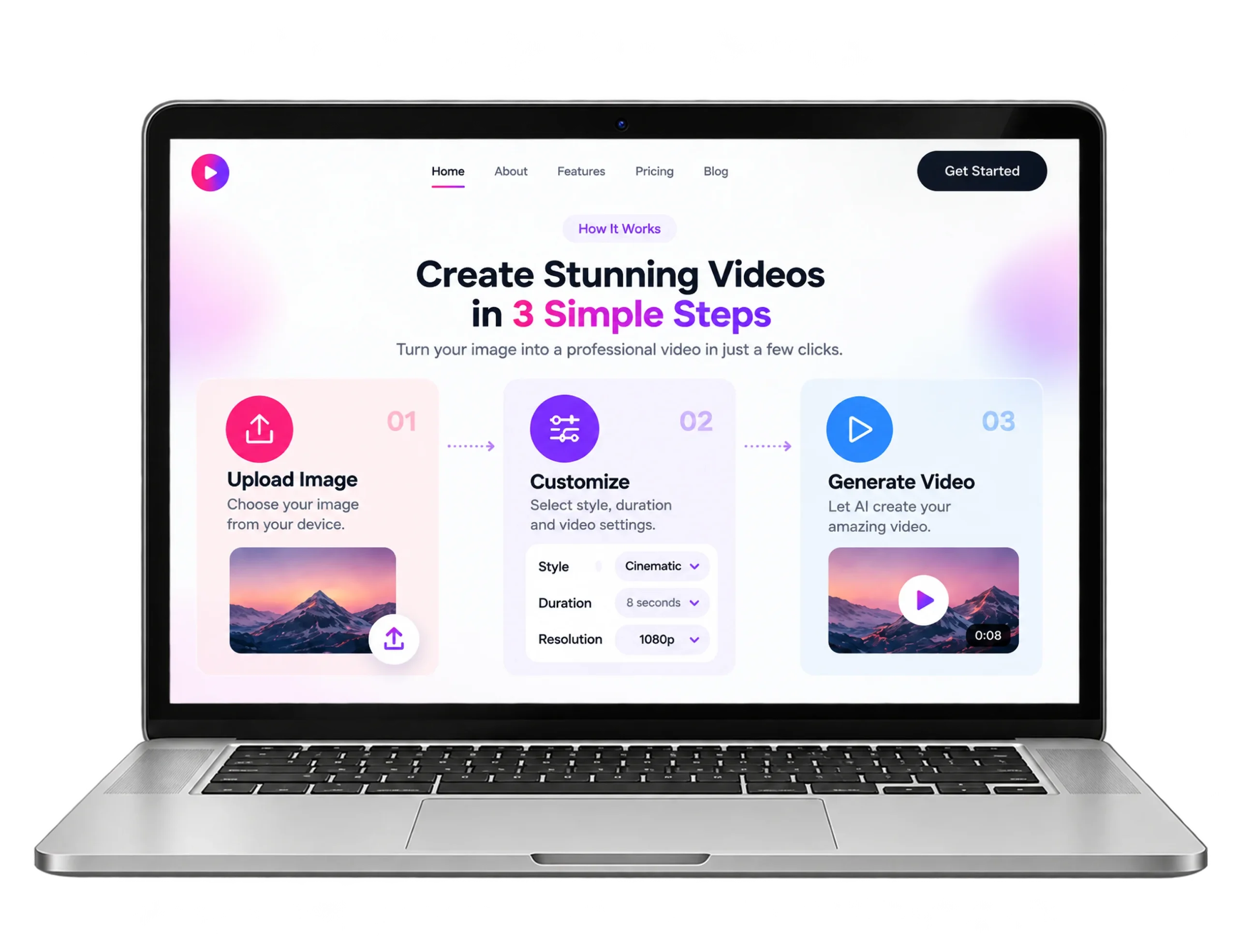
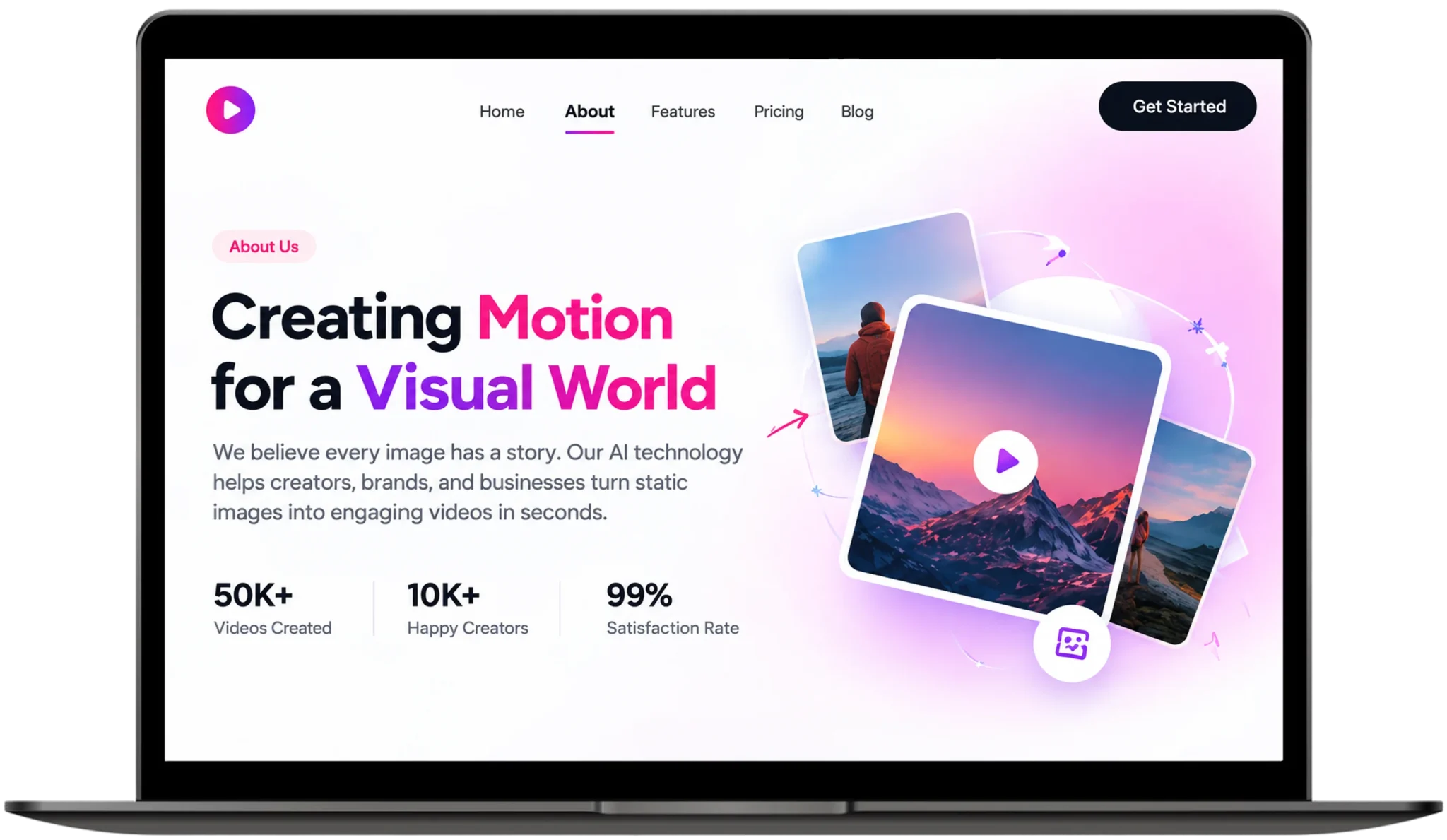
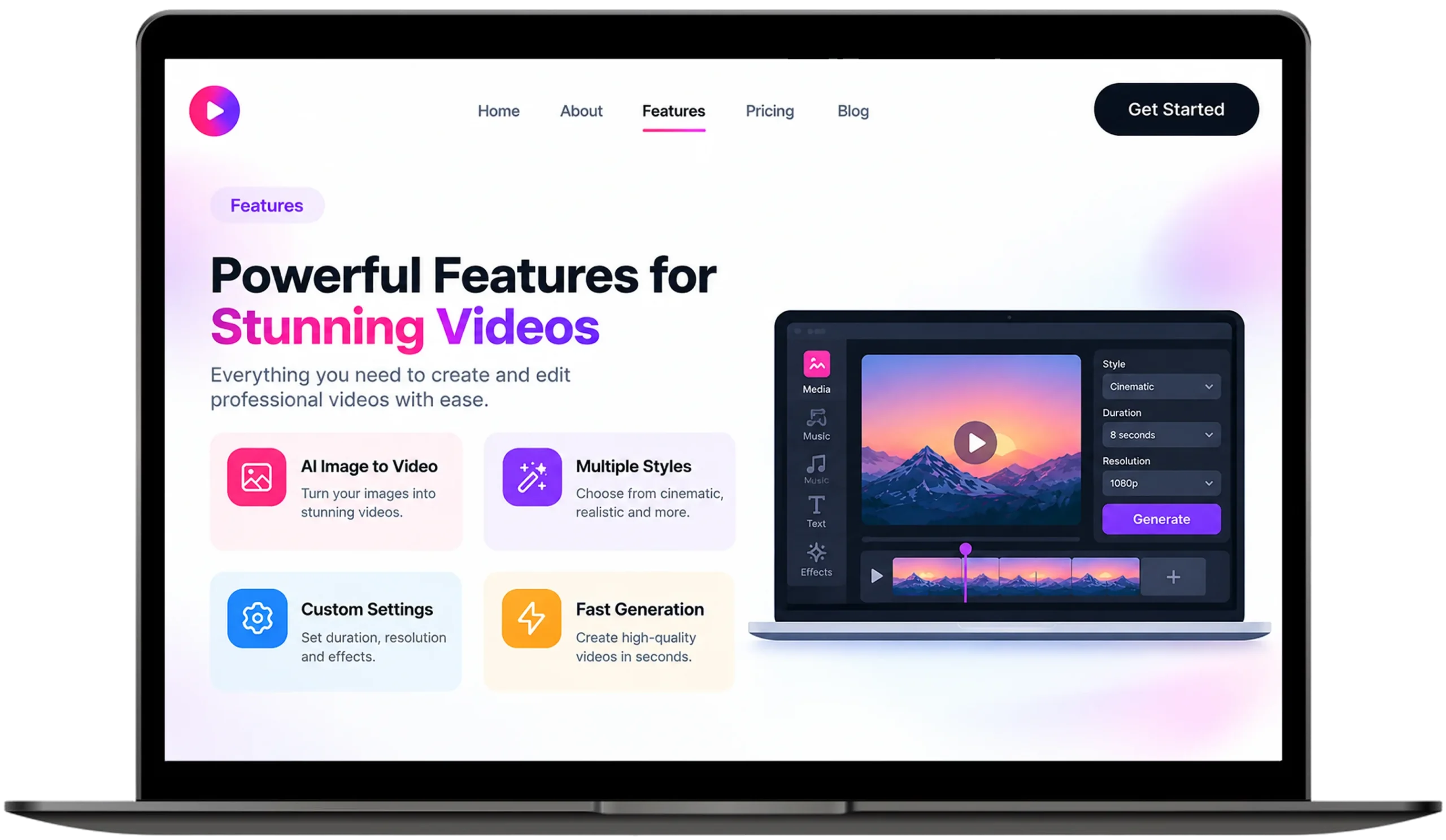
This AI image to video generator runs in the browser. Creators upload a still, adjust camera motion, preview live and export finished clips with a SaaS AI video generator that needs no heavy hardware.
Client Requirement
The client wanted a scalable web app that turns flat photos into high-resolution videos for agencies and teams, built to be simple to learn.
It also needed fast live previews, safe asset storage, 16:9, 9:16 and 1:1 exports and a plan to handle lots of GPU jobs at busy peak times.
The Solution
We built an asynchronous web application on a cloud GPU worker queue, with WebSockets sending live progress to the browser as videos render.
A FastAPI and PyTorch backend renders the video, and WebGPU and WebAssembly power previews, so it is a cloud based SaaS for photos to video.
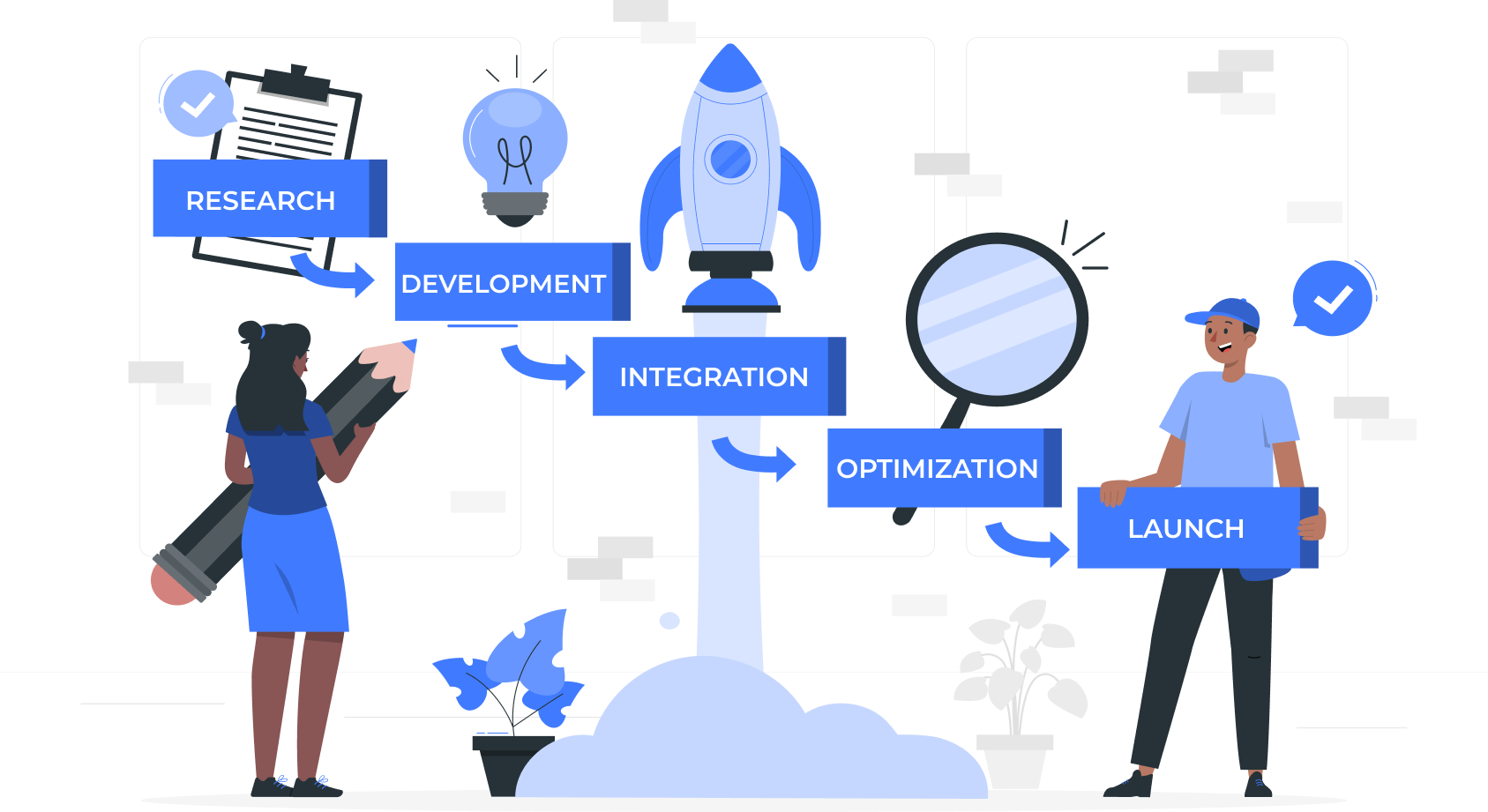
Our Development Process
Study Video Needs:
Build Simple Dashboard:
Add GPU Queue:
Smooth Motion Previews:
Test And Launch:
Visual Showcase
Key Features
Faster Rendering:
Asynchronous GPU queue workers with TensorRT turn a single still into a 1080p 60fps clip in under 15 seconds, so teams spend less time waiting and rendering latency dropped by 65%.
Lower Cloud Costs:
An elastic Kubernetes pipeline adds spot GPU nodes when demand rises and frees them when it falls, so cloud compute overhead dropped by 42% and peak-hour traffic stays very smooth.
Faster Workflow:
A drag-and-drop dashboard brings camera motion, style presets and 16:9, 9:16 and 1:1 exports together and media production turn around improved by 300% across full video campaigns.
Smooth Previews:
Web Assembly video stitching and WebGPU acceleration stream fast previews inside the browser, so first contentful paint speed improved by 50% on desktop and tablet, with no plugins.
Technology We Used
- Frontend Framework

Next.js

React.js
- Backend API

Python

Node.js
- Relational Database

Postgresql
Frequently Asked Questions
Explore answers to the most common questions about our services, workflows, and support. Clear information, all in one place.
What is an AI image-to-video platform?
It is a SaaS application that uses diffusion models to add motion and fill in frames around a still image, then outputs a finished video. This web version does everything in the browser, while cloud GPUs handle the heavy rendering.
How does AI turn photos into video?
Yes, AI can turn pictures into moving clips. You upload a still, the model reads its depth and composition, motion synthesis generates interpolated frames and cloud GPUs render the final video. The same four steps run here in the browser.
How to animate still photos online?
Open the browser dashboard, upload a photo, pick a style preset and camera motion, watch the live preview, then export in 16:9, 9:16 or 1:1. This web-based AI video maker needs no software installs and no local GPU.
How can you generate short videos from static product images for TikTok?
Upload the product photo, choose a 9:16 aspect ratio, add a motion preset and render. The web app keeps temporal consistency across frames, so the product stays recognizable while the camera moves and clips export ready for posting.
What makes the best AI image to video platform for agencies?
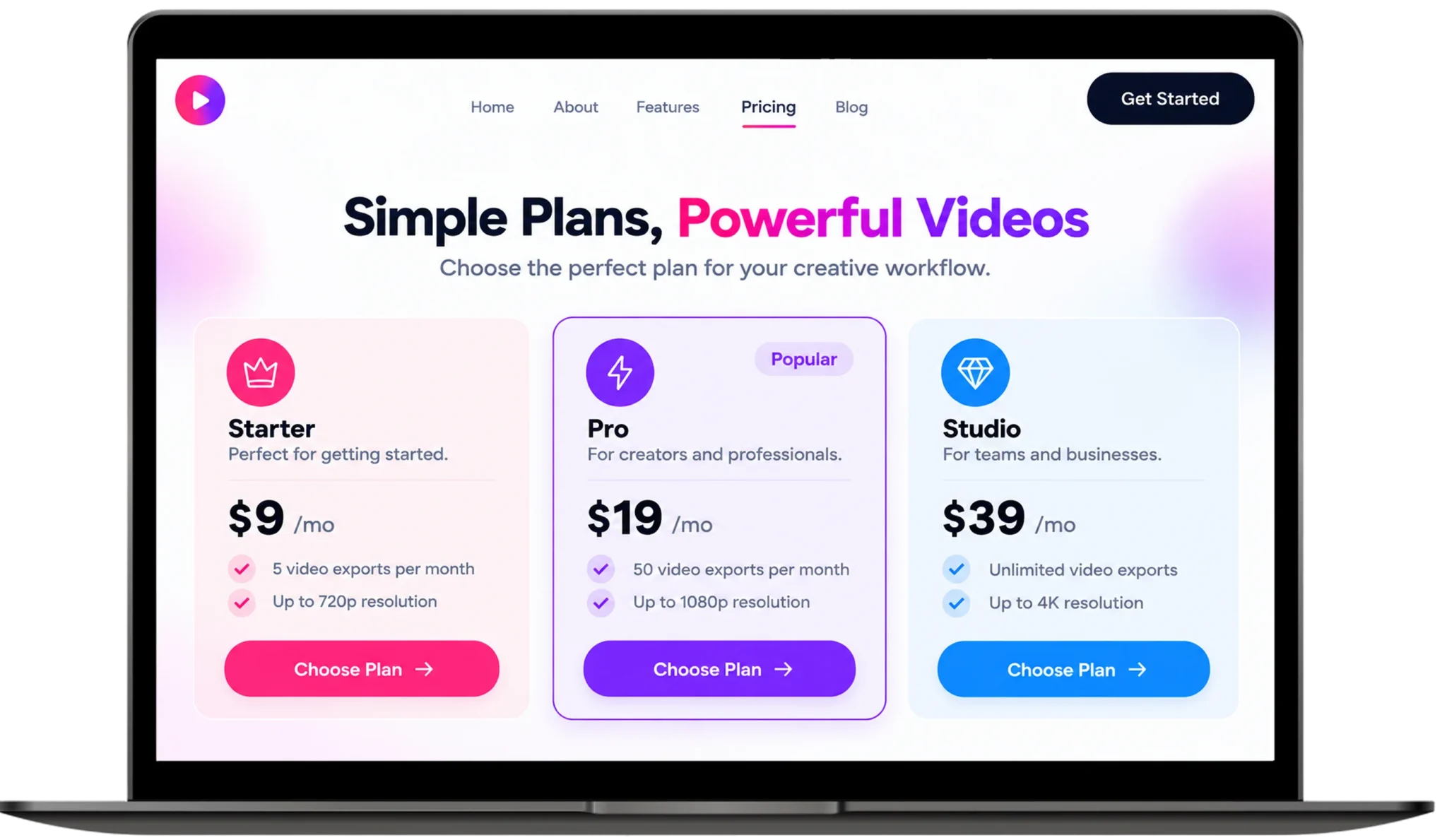
Look for batch processing, multi-ratio exports, shared libraries and an AI video generator web app subscription that scales with usage. Before you buy AI image to video web software, also test rendering speed: this platform cut latency by 65% through queued cloud GPU workers.
Other Projects We’ve Developed