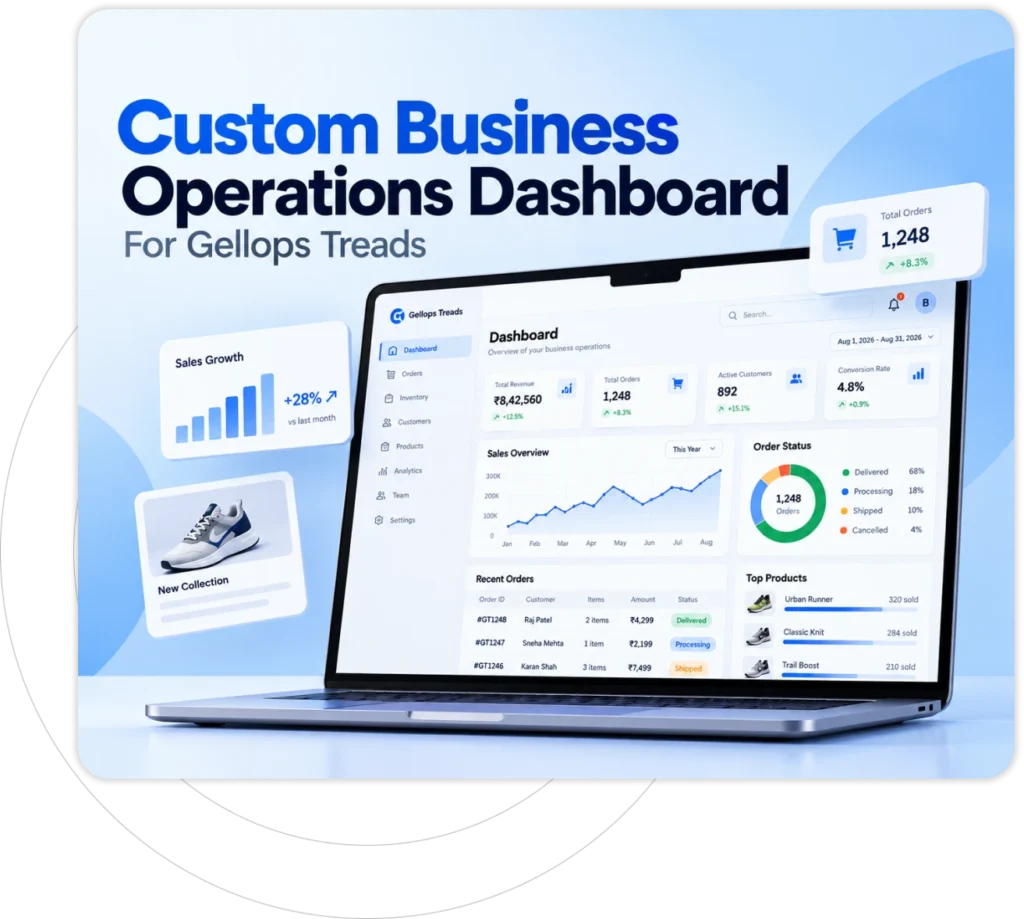




Custom Business Operations Dashboard For Gellops Treads
Spreadsheets, inboxes and old tools used to hide the real picture of the business. This custom business operations dashboard puts each department’s live data on one web page that opens in any browser.
Client Requirement
Daily work ran through spreadsheets, email chains and aging software. Reports were late, and the figures rarely matched between departments.
The client asked for a browser-based dashboard: live data, permissions by job role and approvals that route themselves without manual work.
The Solution
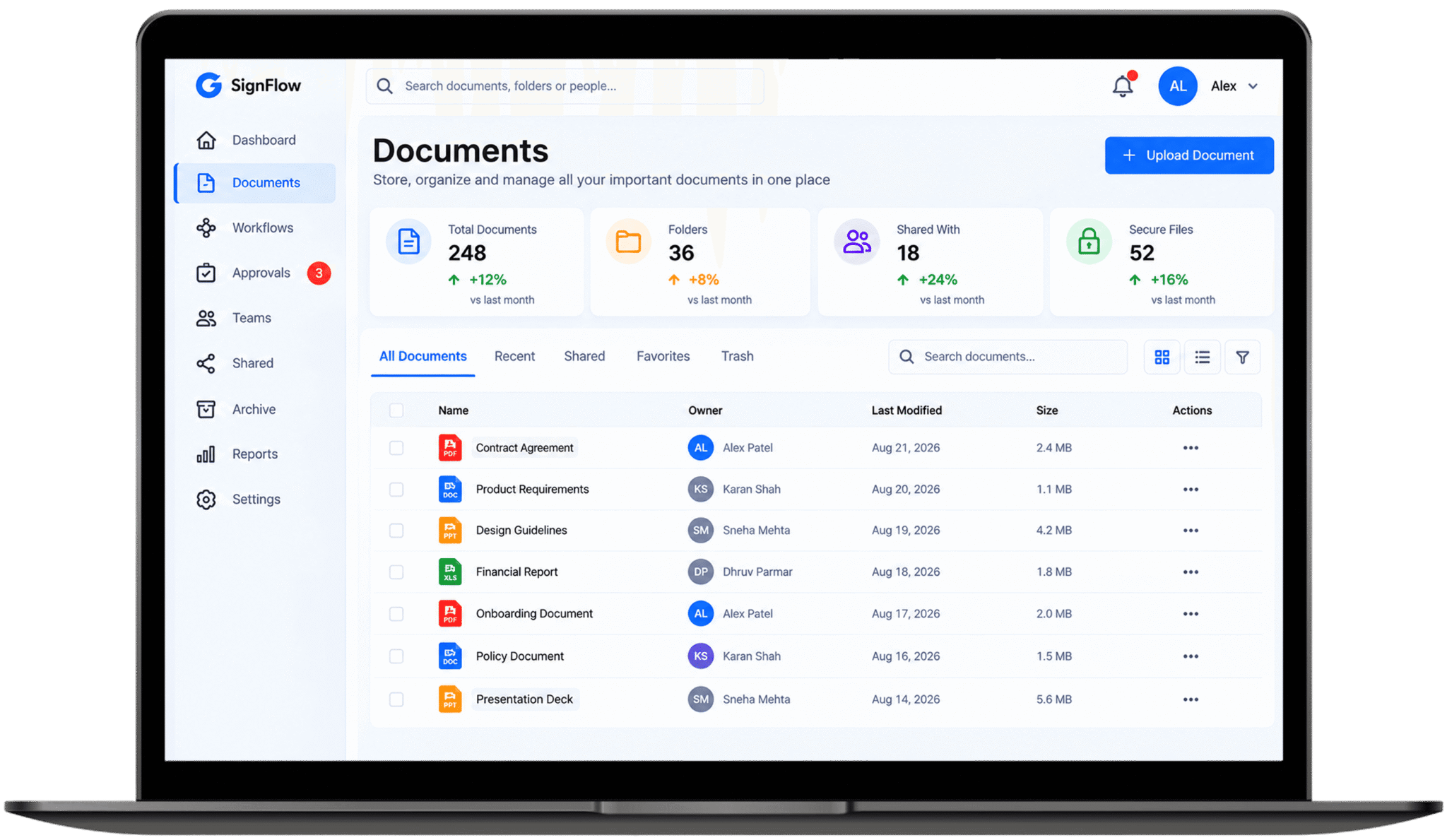
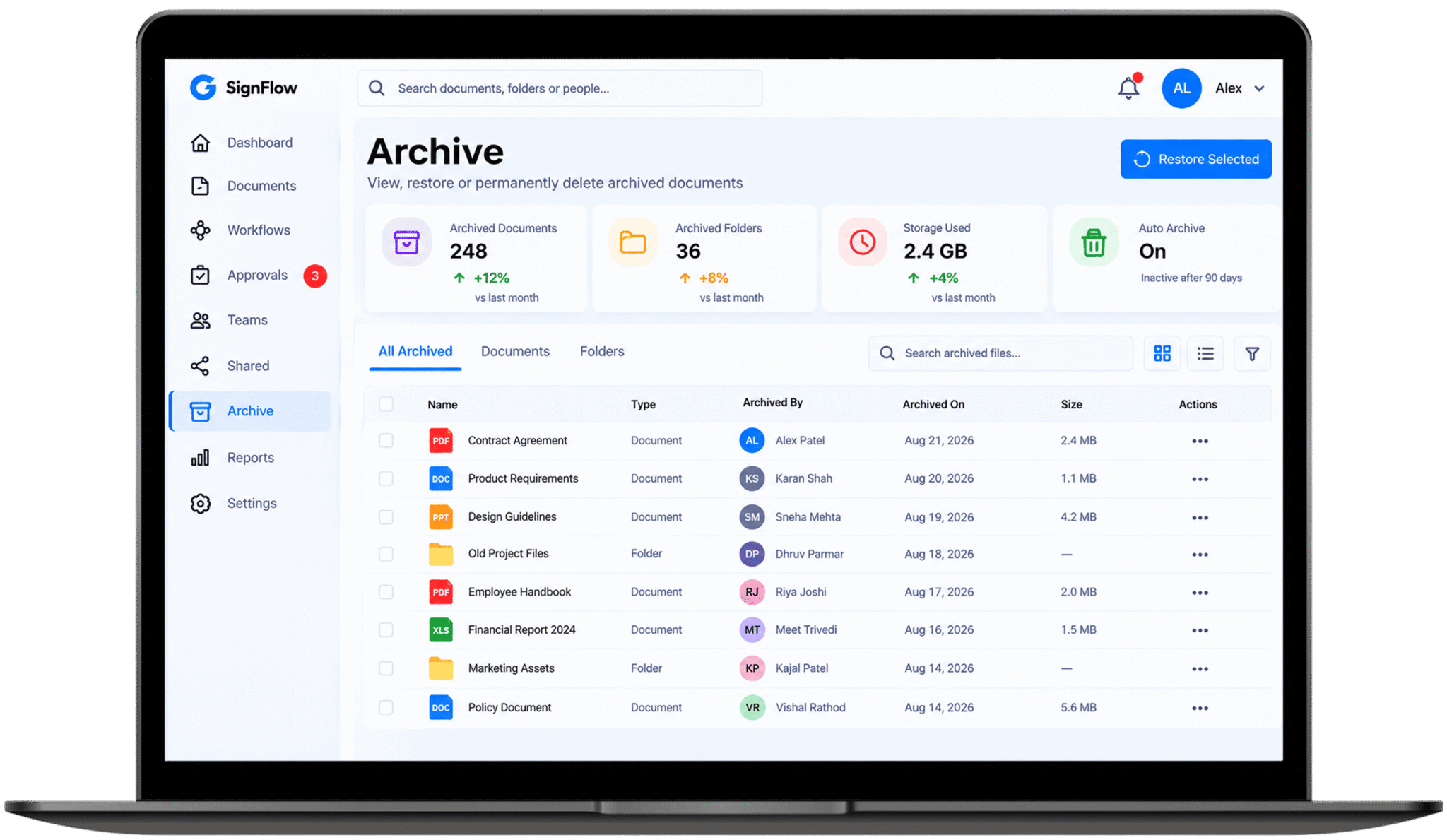
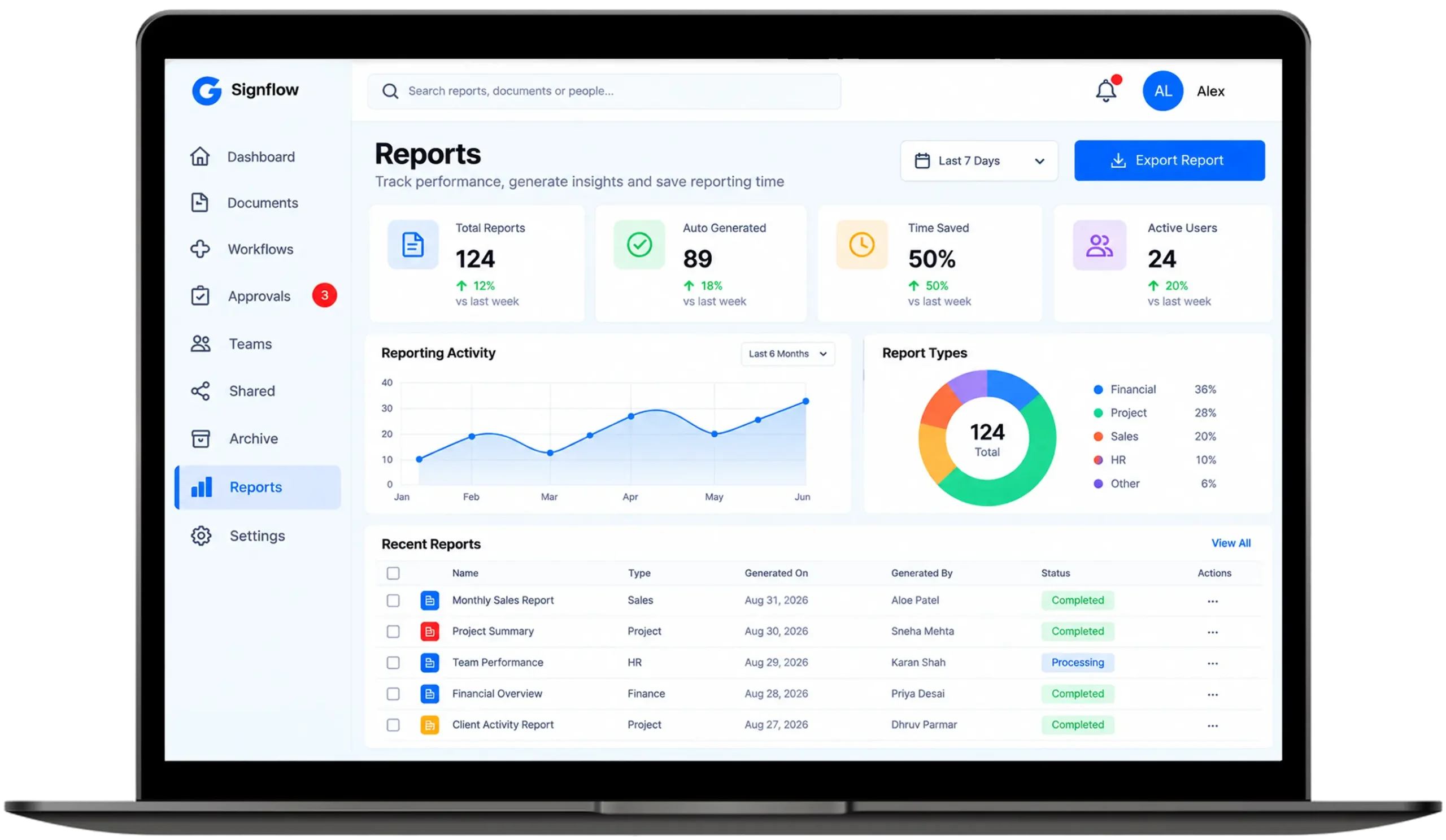
We put every department’s data into one dashboard. Each team opens a page built around its own work, not a wall of figures it never touches.
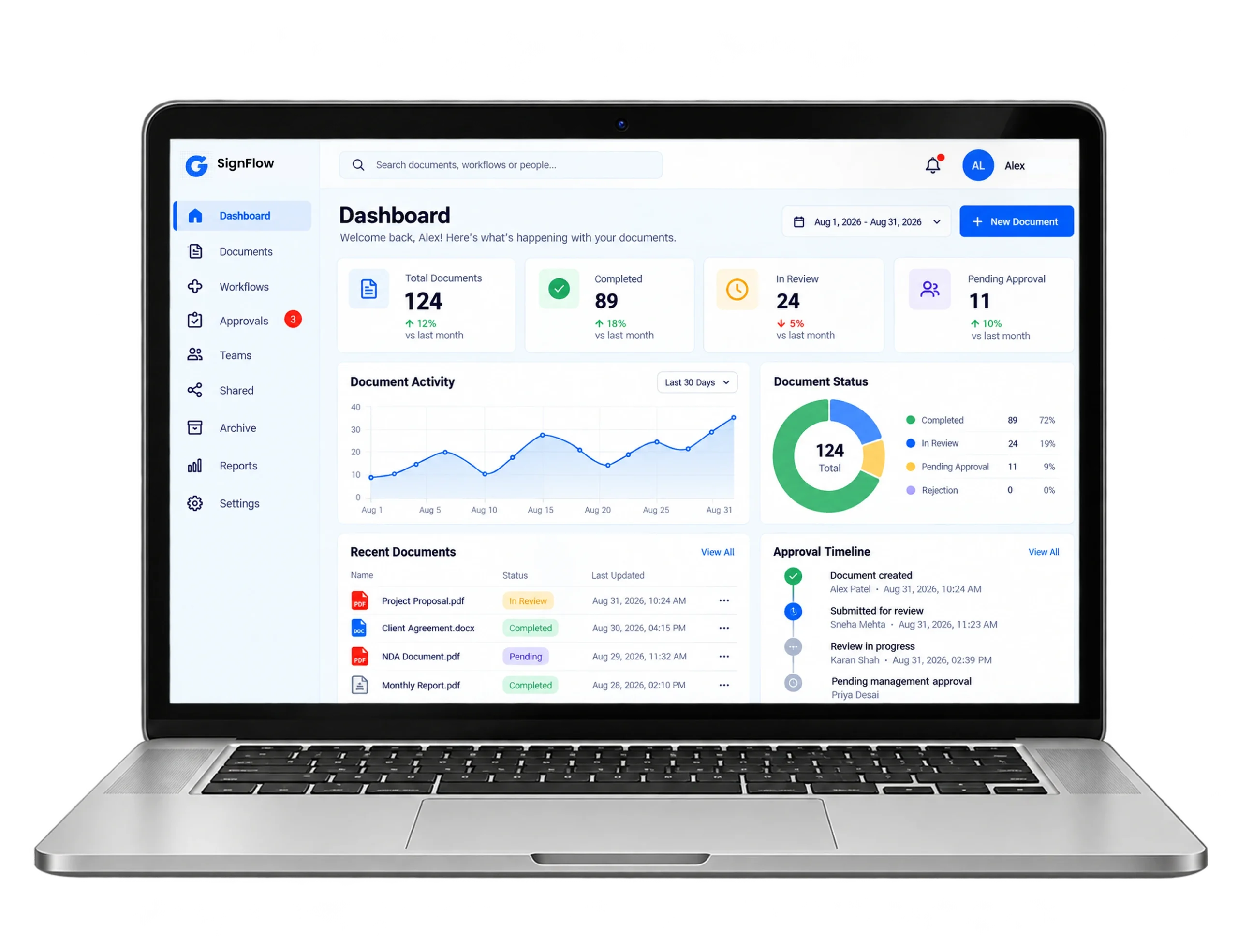
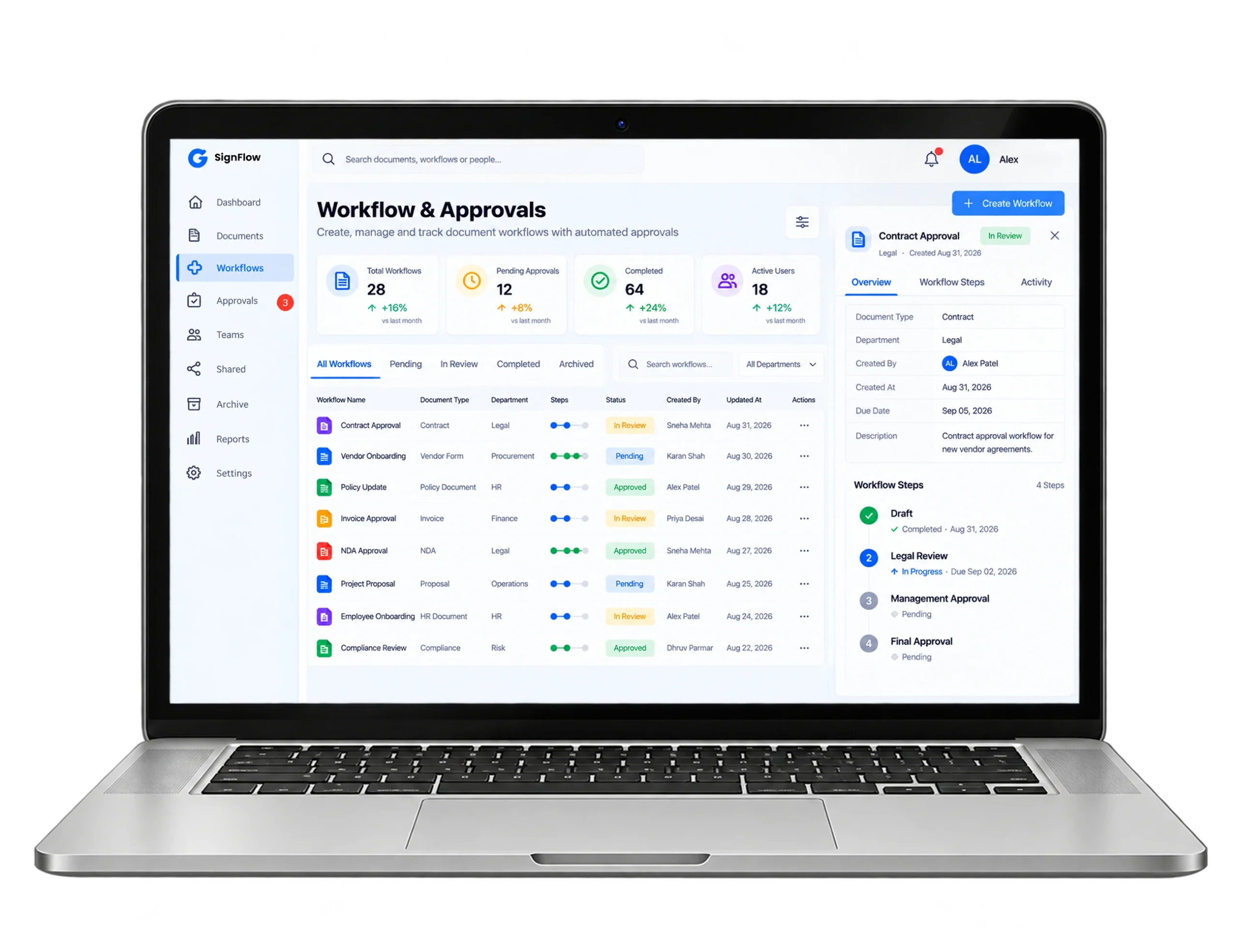
The document tracker records who approved each file and when. Rules push each file along, and the whole system can take on more teams later.
Our Development Process
Team Discovery:
Screen Design:
Data Linking:
Approval Rules:
Testing and Launch:
Visual Showcase
Key Features
Faster Loading:
Load times fell by 40%. Pages are built on the server and the database is indexed for quick look-ups, so charts show up quickly for every team, even at the busiest hour of the day.
Shorter Approvals:
Approval cycles got 65% shorter. Files move between reviewers by themselves and alerts fire promptly, so department leads stop waiting on slow email replies and clear tasks sooner.
Unified Data:
Scattered data dropped by 80%. Every departments now read from one shared source, so reports agree with one more and executives block double-checking whose figure is the appropriate one.
Reporting Time Saved:
Weekly reporting hours fell by 50%. Key figures are gathered automatically and reports export in seconds, so executives spend the saved time on planning, not on rebuilding numbers.
Technology We Used
- Frontend

Next.js

React.js
- Backend

Node.js

Express.js
- Data Layer

Postgresql

Redis
Frequently Asked Questions
Explore answers to the most common questions about our services, workflows, and support. Clear information, all in one place.
What is an operational dashboard, and how is it different from a reporting tool?
An operational dashboard tracks live, day-to-day activity such as tasks, approvals and workflow status, while a reporting tool usually summarizes historical data. A custom business operations dashboard combines both, giving management real-time visibility alongside structured reporting for daily and weekly decisions.
What are the benefits of a custom business operations dashboard over off-the-shelf software?
A custom business operations dashboard avoids per-user licensing fees, gives full data ownership and matches existing workflows exactly. Off-the-shelf software forces generic processes onto the business; a purpose-built operations dashboard web application integrates directly with internal systems and existing approval chains.
How does role-based access control work in a business operations dashboard?
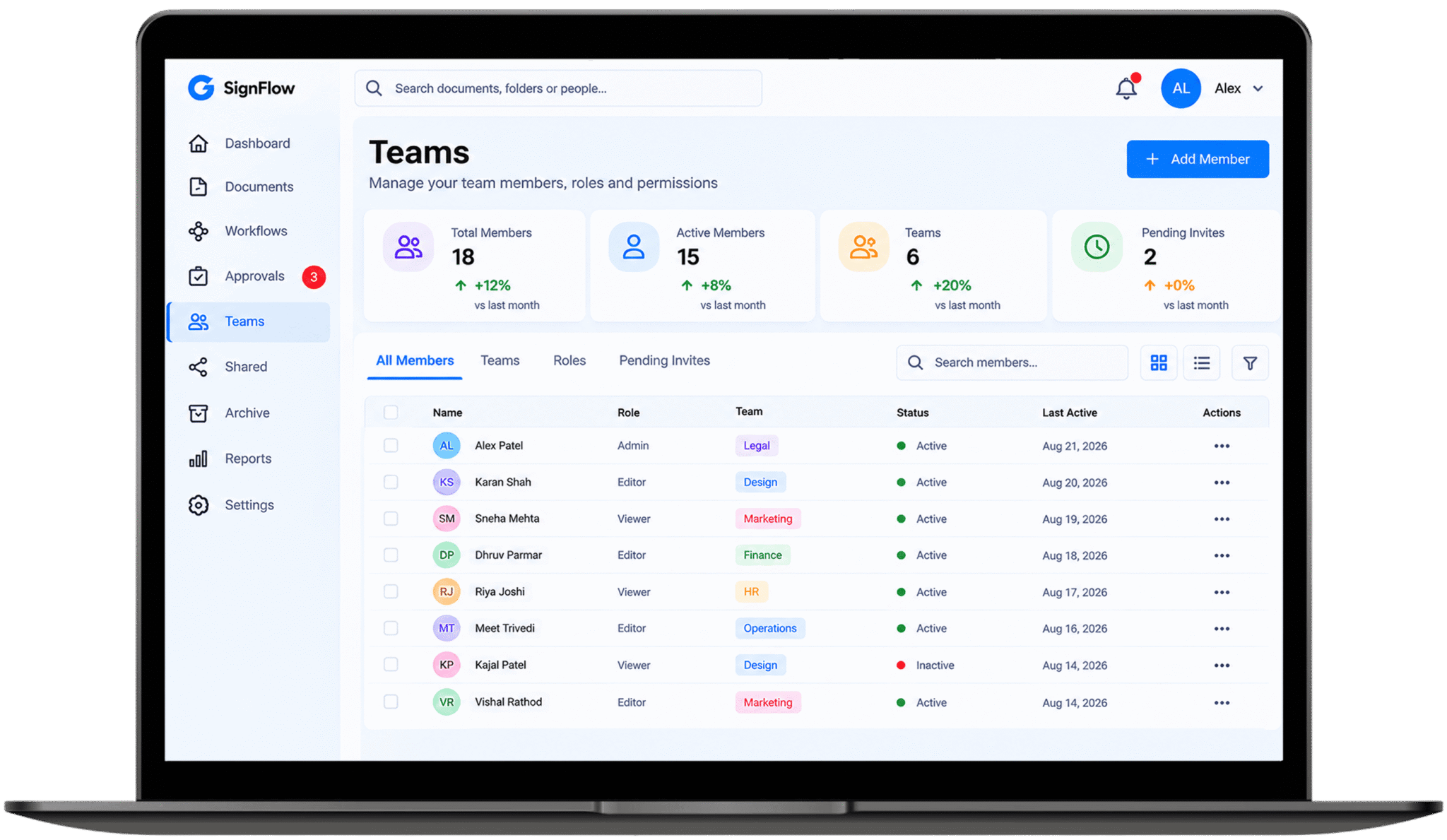
Role-based access control management assigns permissions by job function, so executives, department managers and staff each see only relevant data and actions. In a business operations dashboard, this limits sensitive reports, restricts approval rights and keeps an audit trail for every internal change.
Why build an operations dashboard as a web application instead of a desktop app?
A web application platform runs in any browser, needs no local installation and updates instantly for every user. This makes deployment faster, cuts IT overhead and lets a real-time business reporting tool reach remote and on-site staff without managing separate desktop builds.
How much does it cost to build a custom business operations dashboard?
Cost depends on scope, integrations and the number of workflows automated, so figures vary widely between projects. A custom business operations dashboard typically costs more upfront than off-the-shelf software but removes recurring per-user fees and licensing costs over the platform’s lifetime.
Other Projects We’ve Developed