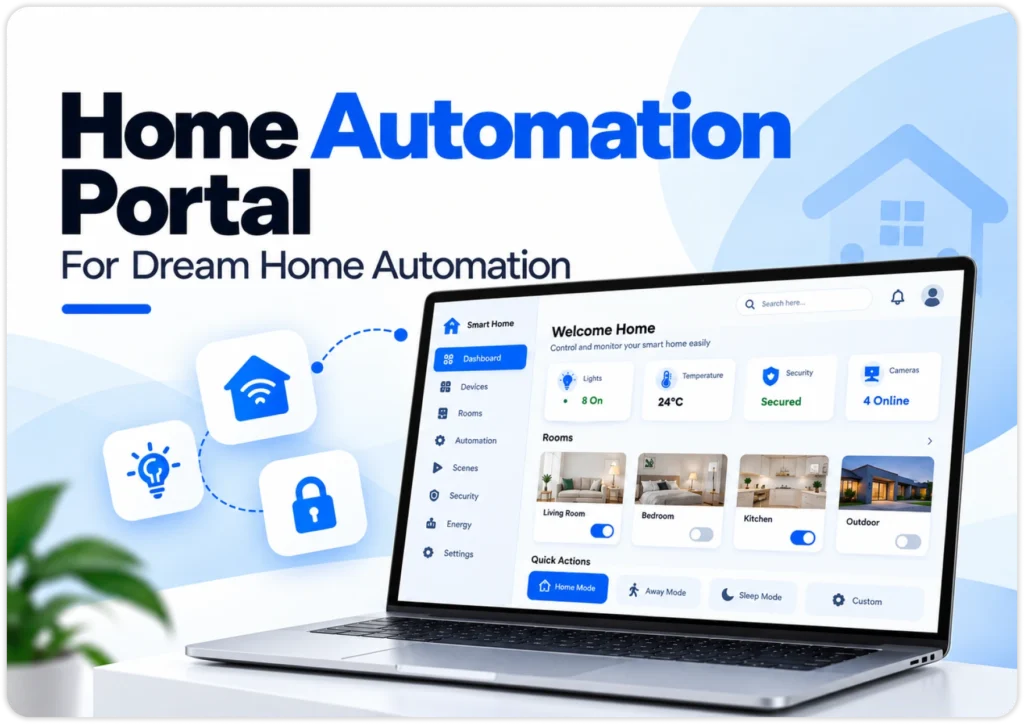


Home Automation Portal For Dream Home Automation

This web based home automation platform gives homeowners one smart home web dashboard for every connected device. No mobile app is needed. Users switch lights, watch sensors and run automation workflows in real time from any modern browser.

home-automation-portal

About

Home Automation Portal

Think of it as a web application smart home controller that sits between people and their devices. It answers a simple question many owners ask: how smart home automation works when lights, locks, cameras and thermostats all speak different languages. One browser-based IoT dashboard collects live device telemetry, schedules routines, guards doors and entry points and tracks household energy use, so nothing needs its own separate app or hardware hub.

Client Requirement

The client wanted a browser-only smart home system that could control mixed devices without asking anyone to install an app. Priorities were live two-way device telemetry, control latency under 100 milliseconds, support for several hardware protocols and flexible sensor triggers for automation workflows. The platform also needed role-based access for family members and guests and enough resilience to keep scheduled routines running when the home’s internet connection dropped without warning.

The Solution

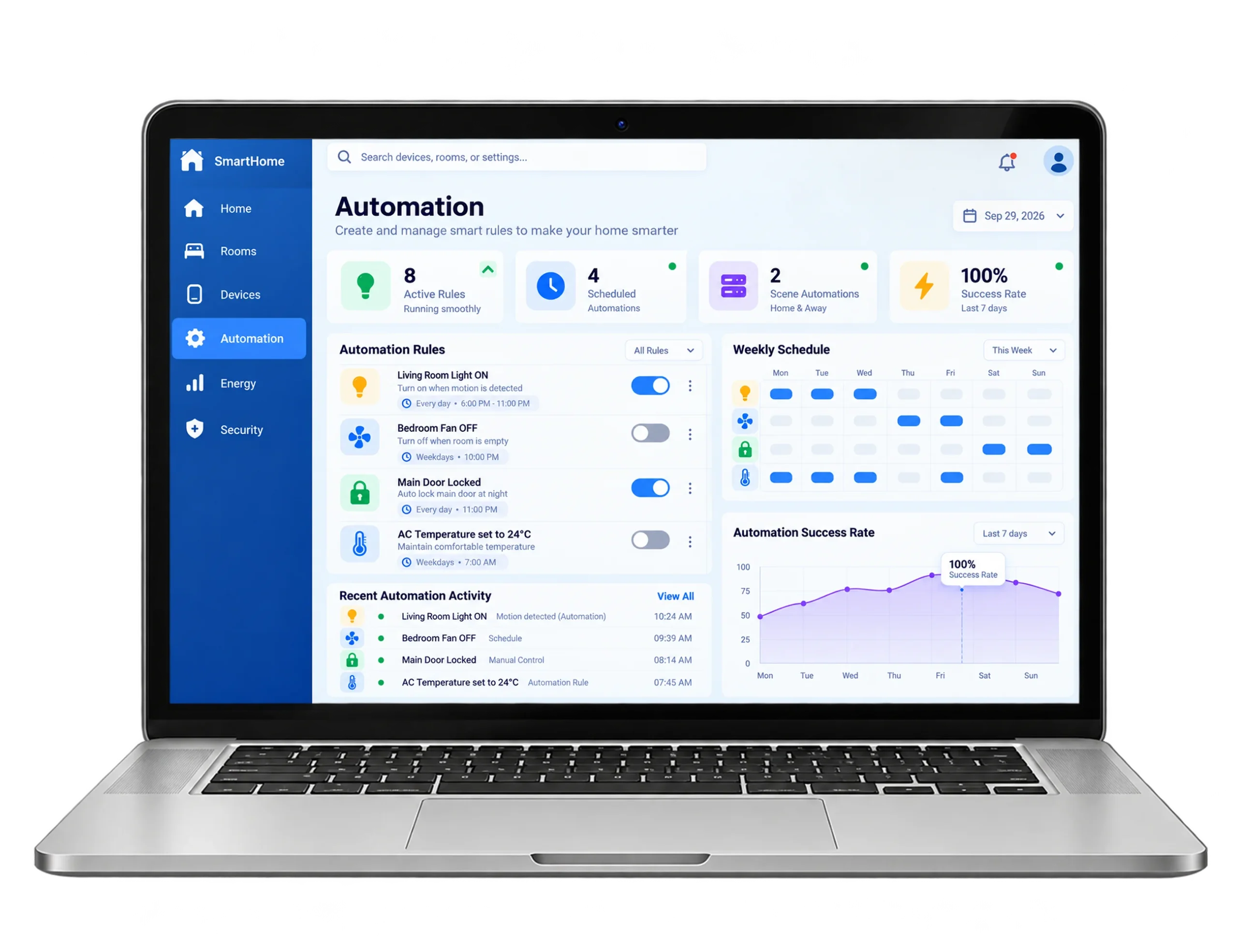
We built a real time WebSocket smart home relay control panel that talks to NodeMCU boards through MQTT. The browser IoT control interface uses modular device cards and a drag-and-drop rule builder. Behind it, Node.js handles events, REST endpoints manage settings and Redis keeps live device states ready. Teams can deploy this web smart home platform on their own servers and each relay module interface responds in under 100 milliseconds.

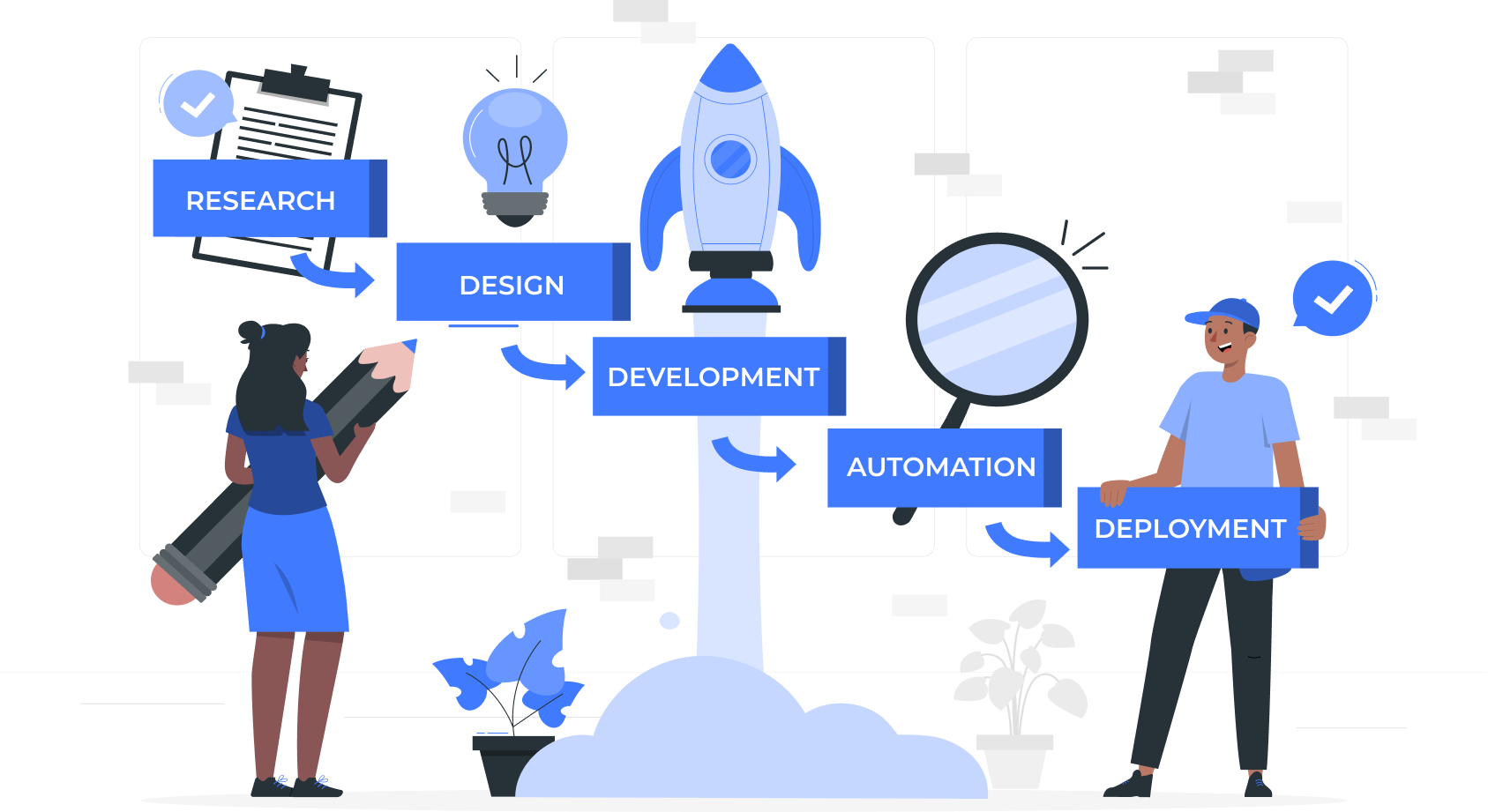
Our Development Process

01

Latency Reduced:

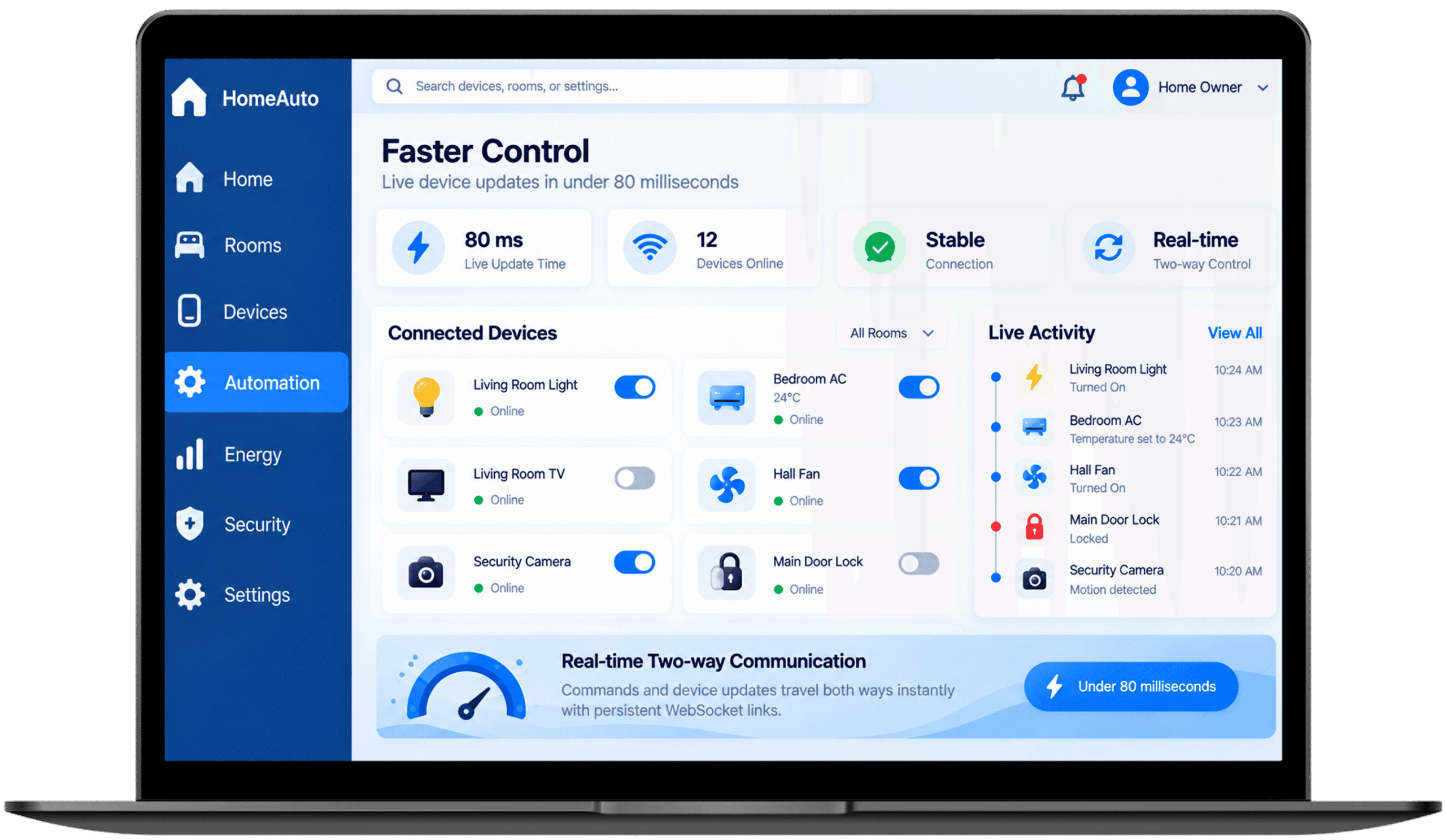
Persistent WebSocket connections replaced repeated polling, so commands and device telemetry travel both ways instantly. Switching a relay module interface from the browser now feels almost immediate, even when several people use the dashboard together.

02

Efficiency Enhanced:

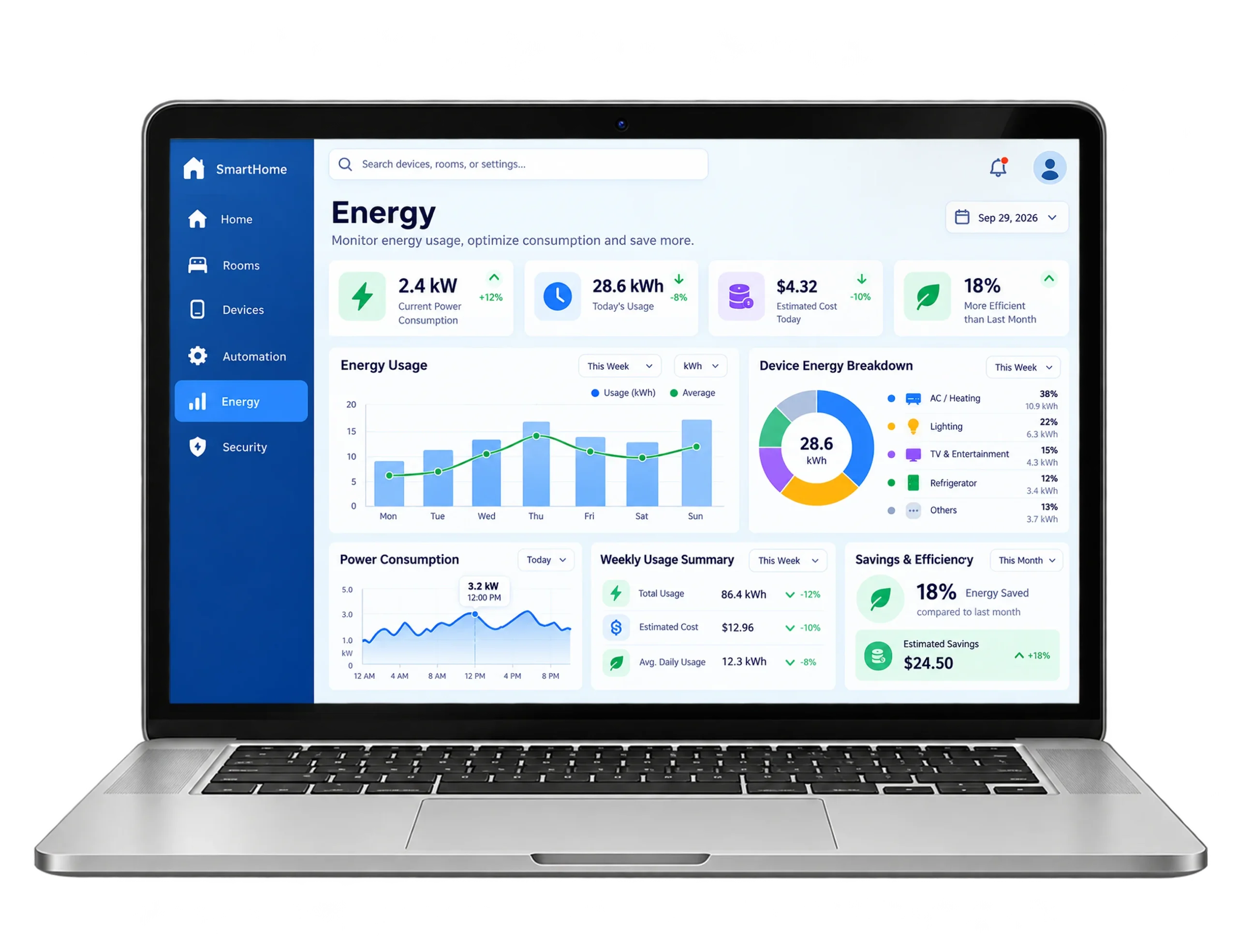
Occupancy-based lighting and climate schedules switch off idle circuits automatically. Sensor triggers feed these automation workflows continuously, trimming heating and cooling runtime and cutting wasted power each month without asking residents to change their habits.

03

Interoperability Expanded:

A shared API abstraction layer lets Zigbee, Wi-Fi and MQTT devices appear side by side in one interface. Switches, cameras and sensors from different makers now work together without locking anyone into one vendor’s ecosystem.

04

System Uptime Maintained:

Cloud hosting pairs with local network caching, so scheduled routines and device triggers keep running when the internet drops. Homes stay fully automated during outages instead of waiting for the connection to come back online.

05

Security Strengthened:

Motion sensors, door contacts and camera feeds are evaluated together, so a genuine break-in triggers encrypted notifications and visual deterrents without delay. Role-based permissions keep sensitive controls, including camera feeds, limited to trusted household members.

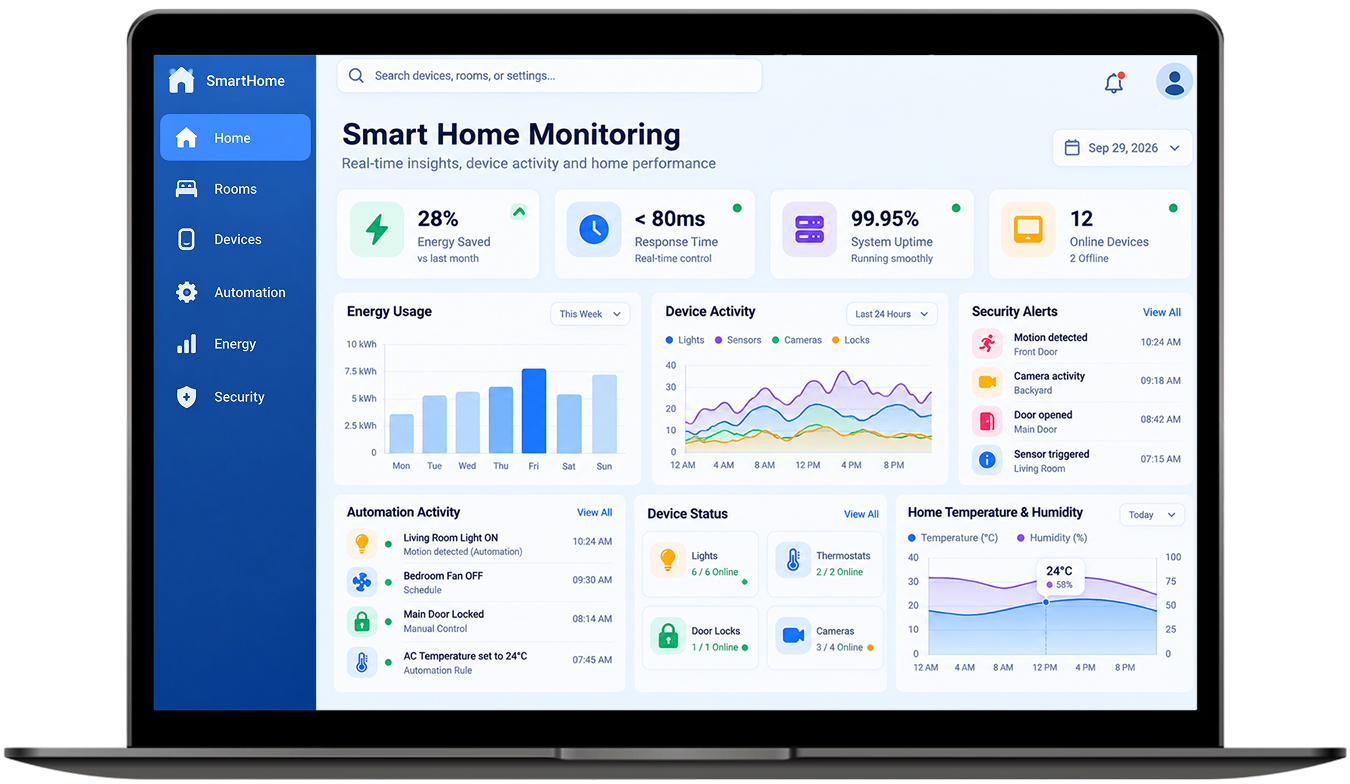
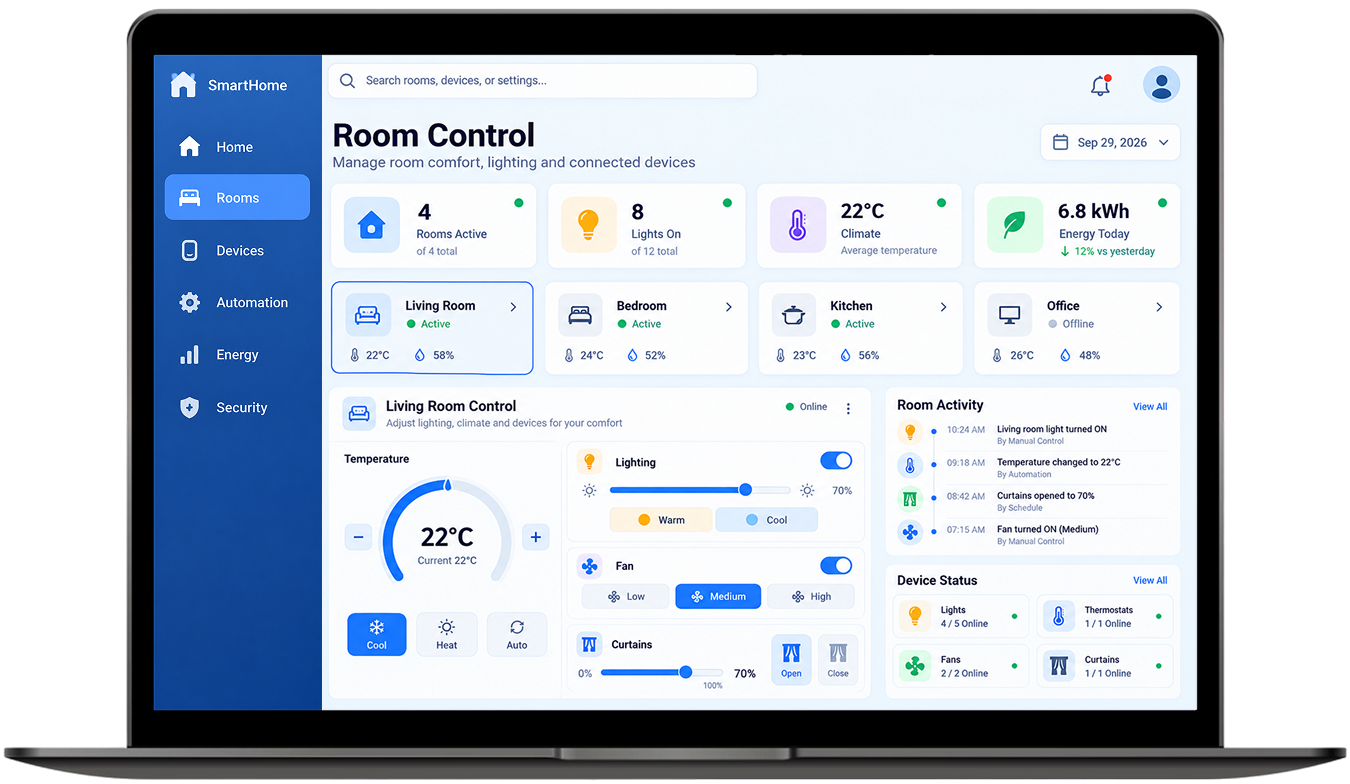
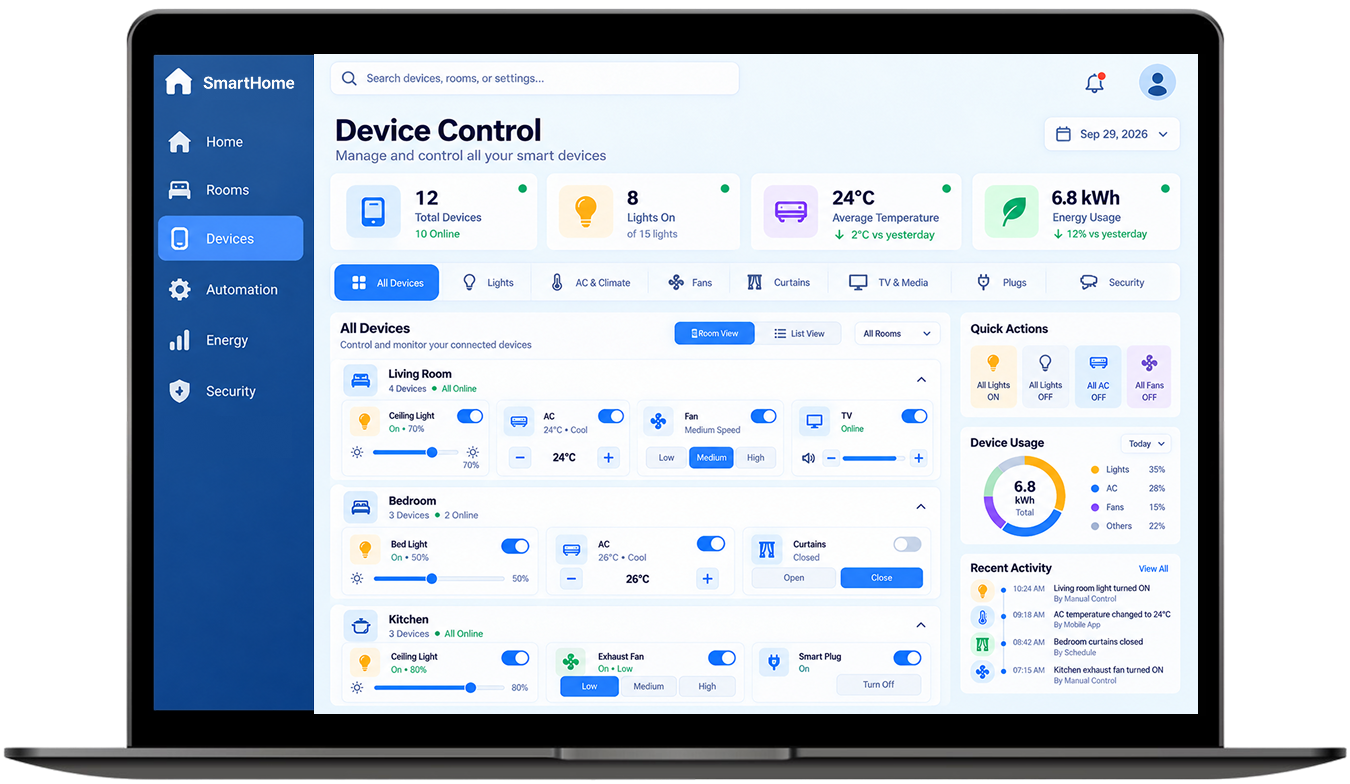
Application Visual Showcase

home-automation-showcase

Technology We Used

technologies-css

Tailwind CSS

technologies-react

React.js

technologies node.js

Node.js

technologies-express

Express.js

technologies mongo db

Mongo DB

technologies-redis

Redis

Frequently Asked Questions

Explore answers to the most common questions about our services, workflows, and support. Clear information, all in one place.

What is a web based home automation platform?

It is software that lets you control and automate smart devices through a browser instead of a phone app. You open one dashboard, see live device status, switch lights or relays and set rules that run on schedules or sensor triggers, from any laptop, tablet or phone.

Three parts cooperate: a controller makes decisions, a network delivers the message and devices act on it. Sensors report changes like motion or temperature and rules respond automatically. Here, WebSockets and MQTT move those messages between the browser dashboard and NodeMCU-based hardware in under 100 milliseconds.

An IoT dashboard is a single screen that shows what connected devices are reporting and lets you act on it. Think live sensor readings, on-off status and control buttons in one place. In a home, it replaces juggling a separate app for every gadget.

Yes, if the system is designed for local control. Devices on local protocols like Zigbee or a local hub, can keep running routines when the connection drops, though remote access and cloud-dependent Wi-Fi devices usually stop responding. This platform caches schedules locally so core automations continue.

Look at a smart home web developer portfolio for proof, not promises: real-time protocols, measured latency and hardware you can name. Ask how they handle offline behavior, device security and access control. Projects like this one show that work through WebSockets, MQTT and role-based permissions.

Other Projects We’ve Developed

hr-attendance-payroll-platform
hospital-management-patient-portal
banking-finance-management-dashboard-feature