





Mishruh AI Studio AI Visual Content Maker For Jewellers

Mishruh AI Studio is an AI visual content generator web app built for marketing teams. They can generate, edit and organize images inside the browser, using one shared workspace instead of scattered design tools and move from prompt to finished asset faster.

mishruh-ai-studio:-ai-visual-content-maker-for-jewellers

About

Mishruh AI Studio AI Visual Content Maker

Mishruh AI Studio is a web-based AI creative studio for generating, editing and managing high-resolution visual assets without installing anything. It runs entirely in the browser, so teams skip heavy desktop software and work from any device. Built for enterprise marketing teams and agency creators, it brings separate generative tools, asset storage and review into one scalable workspace that keeps creative work organized, searchable and easy to share with clients.

Client Requirement

The client needed one browser-based workspace to replace a pile of disconnected AI generation tools. Their creative teams were held back by expensive desktop hardware, slow asset turnaround and messy file libraries. They asked for cloud GPU rendering, smooth performance across devices and online digital asset management AI, all wrapped in an experience that feels professional enough for enterprise design work and simple enough for everyday use by marketing teams.

The Solution

We built Mishruh AI Studio as a fast web application powered by WebAssembly and distributed cloud rendering. Users get a browser-based generative AI canvas with real-time editing, automatic multi-format export and built-in asset lifecycle management. Generative asset workflow automation handles repetitive steps. A low-latency API layer and a drag-and-drop workspace let enterprise teams produce, refine and organize visual content quickly, with no special hardware and no waiting on local processing.

mishruh-ai-client-solution

Our Development Process

01

Workflow Velocity Accelerated:

Creators generate, iterate and export marketing visuals from a single browser interface. Generative AI tools live in one place, so teams stop switching between apps and spend their time refining ideas instead of moving files.

02

Hardware Barrier Removed:

Heavy image generation runs on serverless cloud GPU rendering rather than the user’s machine. Even low-spec laptops get quick, responsive canvas updates through browser-based WebGL and nobody has to install, download or configure anything locally.

03

Asset Discoverability Enhanced:

Automated vector tagging and semantic indexing turn the library into something teams can question in plain language. Type what you remember about an image and the online digital asset management AI finds it right away.

04

Collaboration Efficiency Boosted:

Remote teams and client stakeholders review the same asset together in a real-time collaborative AI graphics editor inside a web browser, with live annotations and instant version control keeping all feedback in one clear place.

05

Rendering Performance Optimized:

Progressive image loading and WebAssembly-backed caching keep editing smooth and responsive. This browser Wasm canvas image editor handles long, complex creative sessions without noticeable lag or memory slowdowns, so designers can keep working without interruptions.

Application Visual Showcase

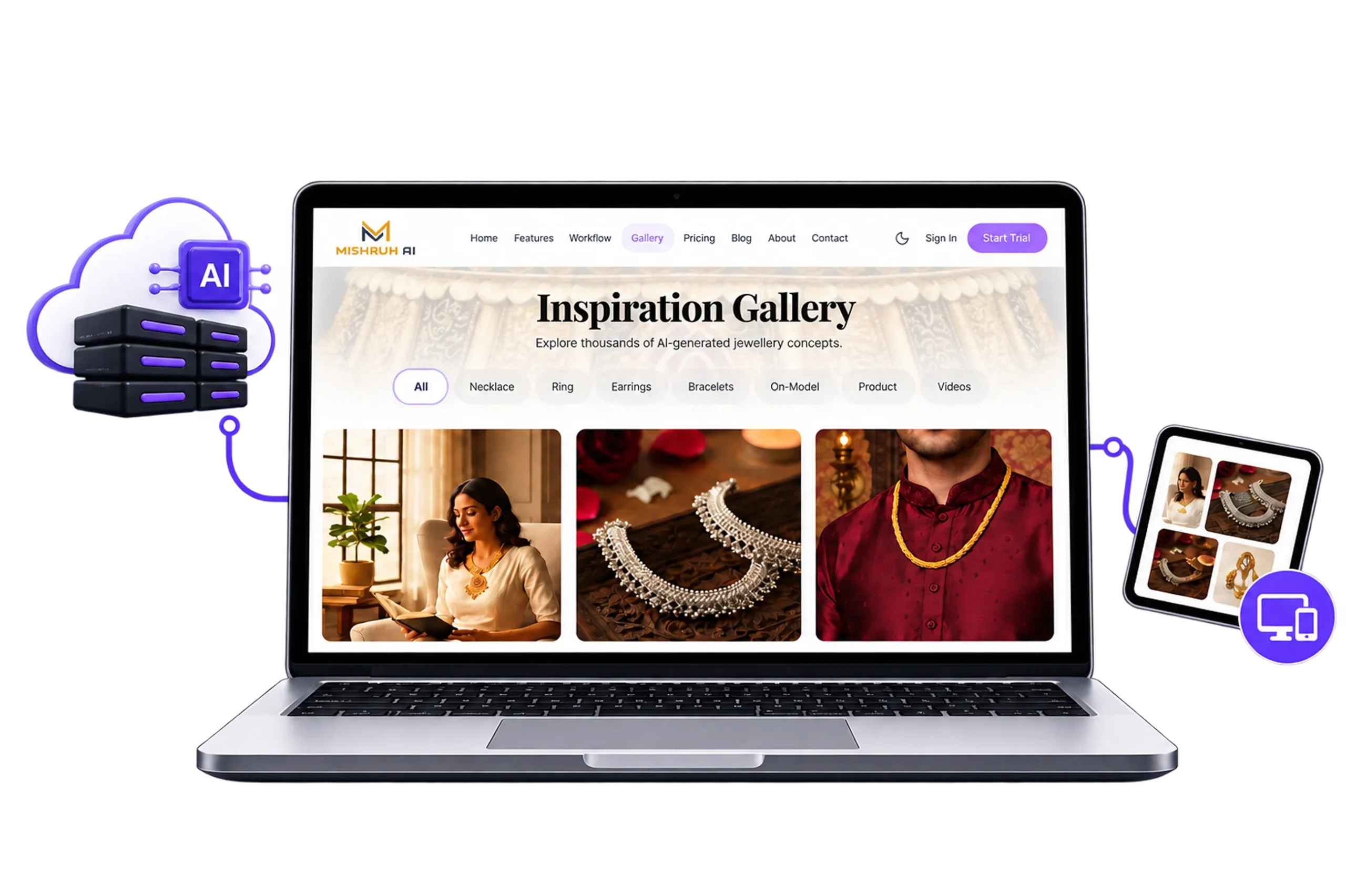
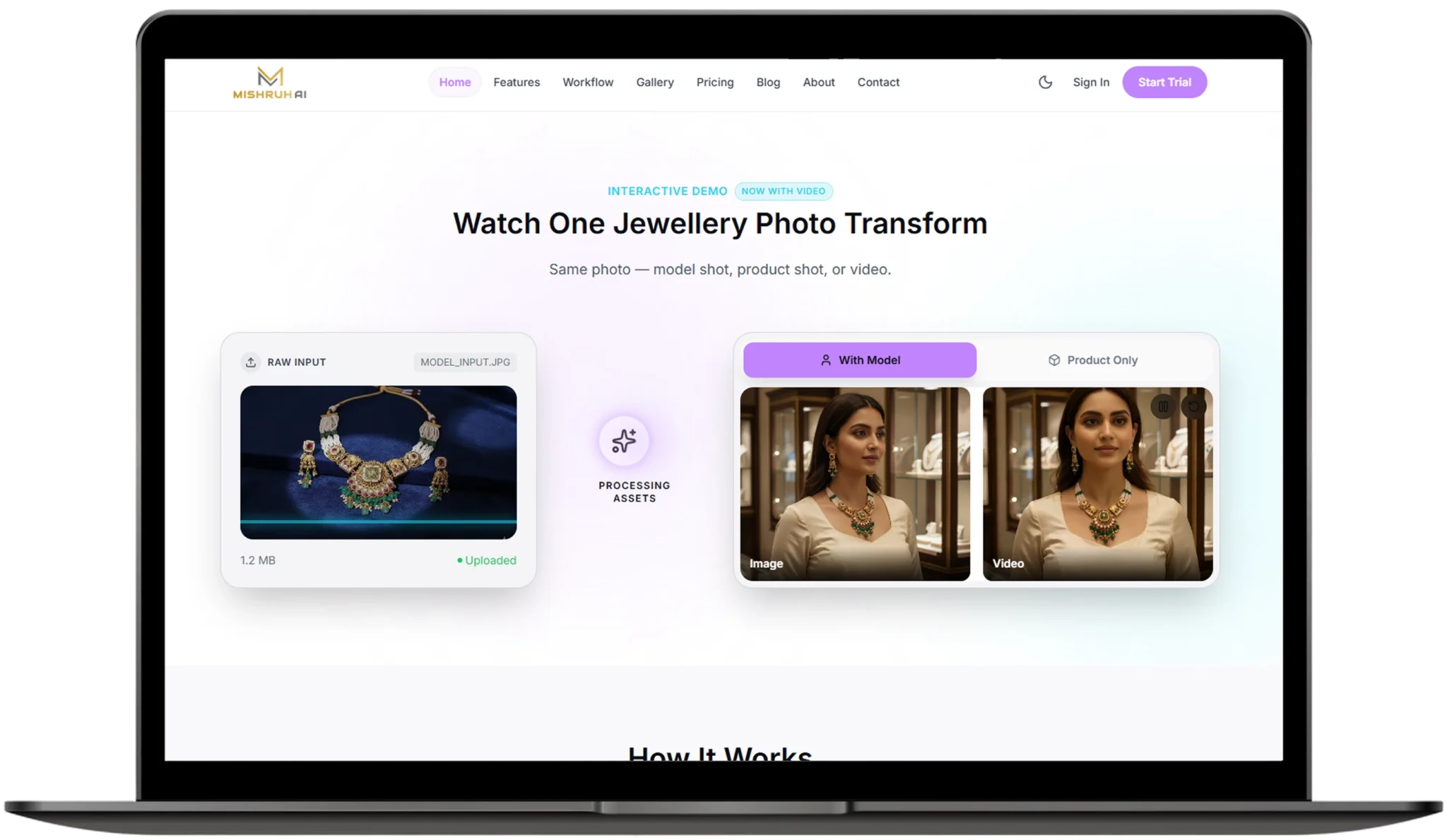
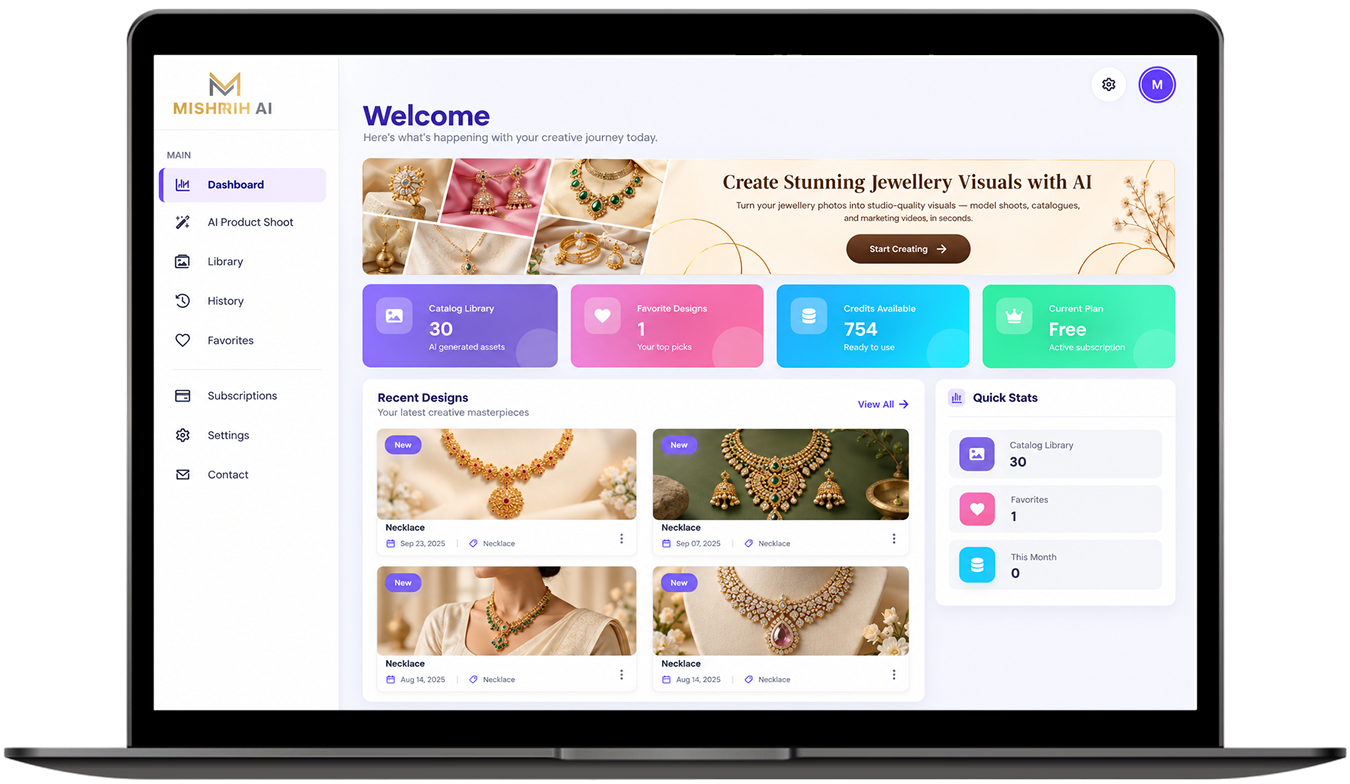
mishruh-ai-website

Technology We Used

technologies-css

Tailwind CSS

technologies-next.js

Next.js

technologies node.js

Node.js

technologies-python

Python

technologies-postgresql

Postgresql

technologies-redis

Redis

Frequently Asked Questions

Explore answers to the most common questions about our services, workflows, and support. Clear information, all in one place.

What is an AI visual content generator web app?

It is a browser-based tool that creates images and other visuals from text prompts. Mishruh AI Studio adds editing, cloud GPU rendering and asset management on top, so teams handle the whole creative process in a single workspace.

Web-based studios run in the browser and lean on cloud servers for heavy processing, so almost any device can use them. Desktop software depends on local hardware and installation. Mishruh AI Studio takes the browser route for easier team access.

It takes over slow, repetitive work like first drafts, resizing and exporting multiple formats, leaving designers more time to choose and refine. In Mishruh AI Studio, generative asset workflow automation helped cut production cycles by 65%.

AI reads each image on upload, adds descriptive tags and builds an index based on meaning rather than file names. Mishruh AI Studio uses vector tagging and semantic indexing, so teams search in plain language. Human review still helps with brand-specific details.

Yes. Shared workspaces, live annotations and version control let marketing teams and clients review work together, while cloud GPU rendering keeps things fast on ordinary laptops. Mishruh AI Studio was designed for exactly this kind of enterprise use.

Other Projects We’ve Developed

hr-attendance-payroll-platform
hospital-management-patient-portal
banking-finance-management-dashboard-feature