

Tier 1 Support Automation for a B2B Tech Company
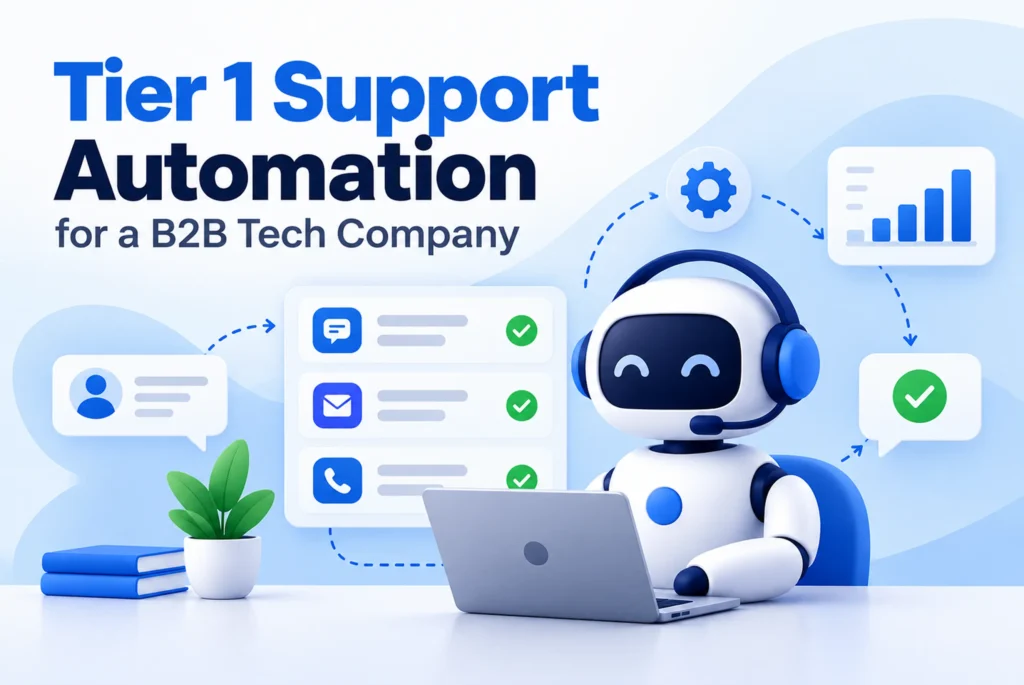
Tier 1 support automation software helps B2B tech teams answer routine tickets without adding headcount. This case study shows how a software company moved password resets, billing questions and API queries from human agents and into a safe, automated workflow.
The result was faster replies, lower cost per ticket and happier support engineers. Below, you will see the client’s main problem, the build, the tools we used, the rollout steps and a clear before-and-after KPI table showing exactly what changed.
Platform
Cloud-Based AI Tier 1 Support Automation Platform
Industry
Final Case Study file - Google Docs
Country
Germany
Services
Custom AI Customer Support Automation
Client's Problem Statement
- Agents spent many hours on routine tickets and each one cost between $25 and $35 to handle. As customers grew, the support budget grew with it and squeezed profit margins.
- Between 15% and 25% of incoming tickets landed with the wrong team. Each misrouted ticket wasted about $12.43 in handling time while bouncing between support and engineering teams, delaying fixes.
- New tickets waited about 4.2 hours for a first action. Customers with urgent product or API problems sat in a queue while agents sorted through password resets and how-to questions.
- First-contact resolution sat at only 40% to 50%. Customers repeated their story to several agents, and the best engineers had little time left for onboarding, account health or complex escalations.
Challenges
- Protecting customer data: Tickets often held API keys, tokens and personal details. Choosing a SOC 2 compliant AI customer service bot meant checking security, data masking and rules that keep customer data out of public model training.
- Stopping wrong answers: AI can make up facts when it guesses. Every reply had to come from approved documentation, so customers never received invented fixes or outdated steps.
- Allowing safe actions: Letting software reset tokens, change seats or adjust billing is risky without limits. Each action needed its own rules, caps and a clear record of what happened.
- Handing off hard cases: Some questions are too complex or sensitive for automation. The system had to spot these quickly and pass them to people without making customers start over.
Solution
- Smart ticket sorting: We built a flow showing how to automate Zendesk ticket routing with LLM tools. Each ticket is cleaned of private data, tagged by intent, and given a confidence score before it moves on.
- Answers grounded in real docs: The system searches product docs, API references, release notes and past fixes before replying. Hybrid search finds exact error codes and API names, so answers stay accurate and traceable.
- Guarded actions with approval: The bot can handle routine changes, such as seat updates or token resets, inside set limits. Larger requests go to a person for approval and every action leaves an audit log.
- Human handoff with context: When confidence is low, the ticket goes to an agent inside Zendesk or Salesforce. It arrives with the chat history, key details and a draft reply, so no customer repeats themselves.
Execution And Development Journey
- We started by studying past tickets and listing the 20 most common, repeatable requests. Next, we loaded product docs, API references and runbooks into the system, and fixed outdated articles so the AI would never learn from stale or conflicting answers during the first weeks.
- Then we built a safe test environment. We set up data masking, refund limits and rate caps, then replayed old tickets through the system. We kept tuning prompts and retrieval until answer accuracy reached 98% in offline tests, before any real customer saw a reply.
- Next came a pilot on 10% to 20% of web chat traffic. Low-confidence questions went straight to human agents with a full context packet. Support team leads reviewed results every week, corrected mistakes and added new intents only after the earlier ones stayed consistently accurate.
- From week nine, we expanded to all Tier 1 traffic across chat, email and in-app widgets. The team now watches intent drift, retrieval quality and API errors and has added FAQ and HowTo schema to public help pages for better visibility in AI search results.
Technologies We Used
- Helpdesk and CRM

zendesk

Salesforce
- Billing system

Stripe
- Action layer

REST APIs

GraphQL API
Our Results
Cost Reduced:
Each automated resolution now costs about $0.40 to $1.50, compared with $25 to $35 for a manual ticket. This cut routine support spend sharply and paid back the project in roughly 3.2 months.
Tickets Deflected:
Automation now resolves 62% of Tier 1 support requests, including password resets, billing changes and API setup questions, without a human agent touching them. Customer satisfaction scores stayed steady throughout the entire rollout.
Response Time Improved:
Time to first action fell from 4.2 hours to under 9 minutes. Routing accuracy reached 94%, so urgent technical issues now reach the right engineer quickly instead of waiting behind routine questions.
Team Focus Improved:
First-contact resolution rose from about 45% to roughly 80%. Support engineers now spend their time on onboarding, account health and complex Tier 2 and Tier 3 escalations instead of repetitive manual lookups.
Key Performance Indicator
| KPI | Before Automation | After Automation |
|---|---|---|
| Cost per ticket | $25 – $35 | $0.40 – $1.50 |
| Tier 1 deflection rate | 0% | 62% |
| Time to first action | 4.2 hours | Under 9 minutes |
| Misrouted tickets | 15% – 25% | Under 6% |
| First-contact resolution | 40% – 50% | 75% – 85% |
| Average handling time | 15 – 30 minutes | Under 2 minutes |
| Payback period | Not applicable | About 3.2 months |
Frequently Asked Questions
Explore answers to the most common questions about our services, workflows, and support. Clear information, all in one place.
What is Tier 1 support automation?
Tier 1 support automation uses software to handle routine, repeat requests, such as password resets, billing questions and basic how-to help, without a human agent. Harder issues move to people, along with the full conversation history.
How much does an automated ticket cost compared with a manual one?
It depends on your team and ticket mix. In this B2B SaaS support cost per ticket benchmark, manual handling cost $25 to $35, while an automated resolution cost about $0.40 to $1.50. Measure your own baseline first.
What is a good AI support ticket deflection rate?
Deflection rate is the share of requests solved without a human agent. Many teams see roughly 40% to 60% on routine questions and this project reached 62%. Clean documentation and clear intent mapping drive the biggest gains.
How do you automate Zendesk ticket routing with an LLM?
Read each new ticket, mask private data, then let a language model tag the intent and score its confidence. High-confidence tickets go to the right queue or get an automated reply. Low-confidence ones go to a human with context.
What should a SOC 2 compliant AI customer service bot include?
Look for SOC 2 Type II reporting, real-time masking of private data and a promise that your logs never train public models. Also check audit logs and per-action limits. Vendors should prove these, not just claim them.
More Proven Case Studies
We showcase additional real-world projects that highlight our expertise, problem-solving approach, and measurable results delivered for clients across different industries.