Hackers rarely break into an app with clever tricks. They usually walk through a door the developer left open, like a weak login, a plain-text file or an API that trusts too much. This mobile app security checklist shows you how to close those doors, in plain words and in the right order.
If you want to know how to protect an app from hackers, start with these eight checks:
- Verify logins on the server, not just in the app
- Store sensitive data with the phone’s secure vault
- Use HTTPS for every network call
- Lock down your API and backend
- Keep API keys and secrets out of the app
- Make reverse engineering harder
- Update third-party libraries and trim permissions
- Test everything before launch
Where This Checklist Comes From
The checklist follows the OWASP Mobile Application Security Verification Standard (MASVS). OWASP is a respected non-profit for software security. According to its site, the standard groups controls into eight areas, including storage, authentication, network, code and resilience to reverse engineering.
One honest warning from OWASP: the MASVS cannot guarantee absolute security. No checklist can. Your goal is to make attacks hard and costly, so hackers move on.
1. Lock Down Login and Sessions
Never trust the app alone to decide who is logged in. Anyone can change an app on their own phone, so a check that runs only on the device is easy to skip.
Do this instead:
- Check every login and permission on the server
- Use OAuth 2.0 or OpenID Connect rather than building your own login system
- Give tokens a short life, so a stolen one stops working soon
- Use Face ID or fingerprint as a convenience on top, not as the only lock
2. Protect Data Stored on the Phone
This is data at rest. The short answer: put secrets in the phone’s secure vault, which is the iOS Keychain or the Android Keystore. Do not leave tokens, passwords or personal details in plain-text files, shared preferences, local databases or logs.
Here is a detail many guides miss. Developers used to rely on EncryptedSharedPreferences on Android, but according to OWASP’s testing guide, all APIs in that library were deprecated in version 1.1.0, with no later releases planned.
The same guide adds that Android’s recommended replacement, DataStore, does not encrypt data by default. So pair DataStore with proper encryption and use well-tested tools for mobile app encryption best practices instead of writing your own.
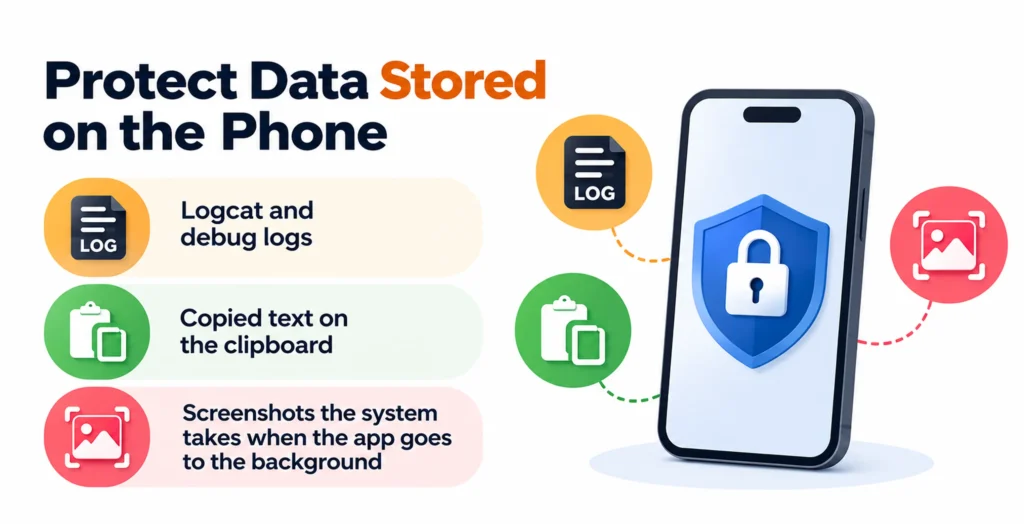
Also check where data can leak by accident:
- Logcat and debug logs
- Copied text on the clipboard
- Screenshots the system takes when the app goes to the background
3. Protect Data Moving Over the Network
This is data in transit. Use HTTPS for every call, with modern TLS. On iPhone, keep App Transport Security switched on. On Android, block plain HTTP in your Network Security Configuration.
For very sensitive calls, such as payments or banking, add certificate pinning. Pinning ties your app to your server’s certificate, so a fake server cannot sneak in. OWASP warns that pinning is not foolproof, because attackers who reverse-engineer the app may remove the pins.
It also suggests using the platform’s own tools, Android’s Network Security Configuration or iOS App Transport Security. Pins have a shelf life. If your server certificate changes and the app still holds the old pin, every call fails, so plan the swap ahead of time.
Here is the difference between the two at a glance:
| Data at rest | Data in transit | |
|---|---|---|
| Where it lives | On the phone | Between phone and server |
| Main tool | Keychain or Keystore | HTTPS and TLS |
| Extra layer | Encryption before saving | Certificate pinning |
| Common mistake | Plain-text storage | Allowing plain HTTP |
4. Harden Your API and Backend
Your app is only a front door. What attackers really want lives on your servers, so that is the best place to spend your first security hours. This is how to secure mobile app backend APIs.
The biggest risk is called Broken Object Level Authorization or BOLA. It is also known as IDOR. It ranks number one on the OWASP API Security Top 10 for 2023. Attackers use it by changing the ID of an object in a request.
Picture a request for /orders/1001. If the server never checks who owns order 1001, an attacker can type 1002, 1003 and so on to read other people’s data.
The fix is simple to say and easy to forget:
- Check on the server that the logged-in user owns the item they ask for
- Add rate limits, so a script cannot try thousands of IDs
- Validate every input and never trust what the app sends
5. Keep API Keys and Secrets Out of Your App
Here is a direct answer for how to store API keys securely in mobile apps: do not store them in the app at all. Keep them on your server and let the app call your server instead. That server then talks to the third-party service for you.
Why so strict? OWASP says keys hardcoded in the app package can be easily pulled out through reverse engineering. It adds that attackers can use stolen keys to make billed API calls, which leads to surprise charges for the app owner.
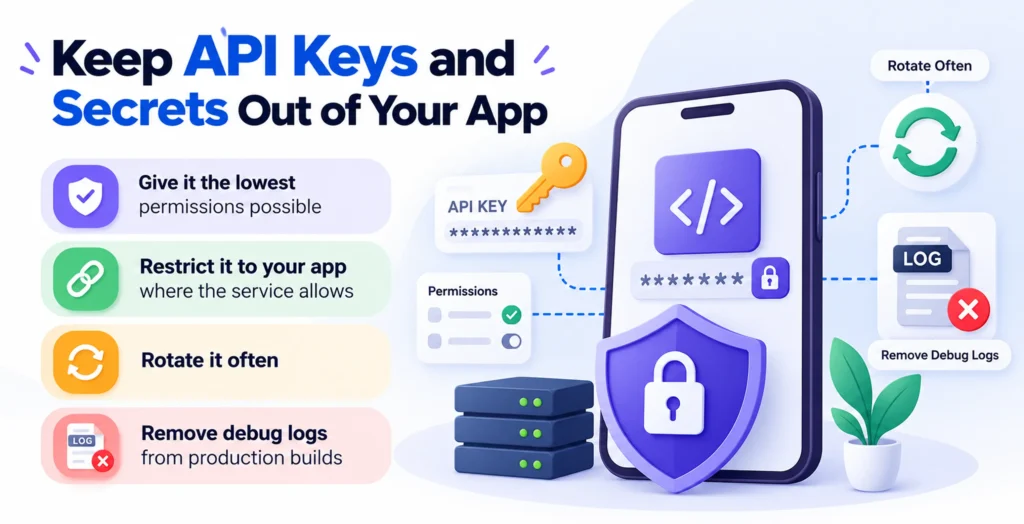
If you truly must ship a key, follow these rules:
- Give it the lowest permissions possible
- Restrict it to your app where the service allows
- Rotate it often
- Remove debug logs from production builds
6. Make Reverse Engineering Harder
Anyone can download your app and take it apart. You cannot stop this fully, but you can slow it down. Here is how to prevent mobile app reverse engineering in a beginner-friendly way.
- On Android, switch on R8 (or ProGuard) in your release build. It renames and compresses your code so it is harder to read.
- On iPhone, strip debug symbols from release builds
- Never leave test code, admin screens or secret URLs in the final app
- Add checks that spot rooted or tampered devices for high-risk apps
Treat these as speed bumps, not walls. They work best when combined with the server-side checks above.
7. Watch Your Third-Party SDKs and Permissions
Each library you pull in brings someone else’s code and someone else’s bugs, into your app. If one has a flaw, your app inherits it.
- Keep a list of every SDK and library you use
- Update them often and drop the ones you no longer need
- Ask for only the permissions you really use, such as camera or location
- Explain each permission to users in plain words
OWASP gives this its own category, which covers how an app handles data and how well it is kept up to date.
Loved What You Just Read?
Let's Build Something Just as Great — For Your Business.
From web & mobile apps to UI/UX, AI solutions, and digital marketing — NGD Technolab turns ideas into scalable, real-world products. 14+ years, 550+ projects, one team you can rely on.
8. Test Before You Launch
Use a simple mobile app penetration testing checklist. Try to break your own app first:
- Look for secrets inside the app files
- Read saved files on a test phone
- Watch network traffic with a testing proxy
- Try other users’ IDs against your API
- Re-run the tests after every major update
OWASP offers a free testing guide (MASTG) and a checklist that match the MASVS, so beginners can follow clear steps. For apps that handle money or health data, consider hiring a professional tester too.
Conclusion
You do not need to be a security expert to follow this mobile app security checklist. Protect logins, store data in the secure vault, use HTTPS, harden your API, hide your keys, slow down reverse engineers, watch your libraries and test often.
Pick the first two items today. Small steps, done in order, are the best way to protect your app from hackers.
Frequently Asked Questions
What is OWASP MASVS, and do I need it for my mobile app security checklist?
OWASP MASVS is a free standard that lists what a secure mobile app should do. OWASP also offers a testing guide and a checklist that help you verify those controls. You do not need to follow every line as a beginner. Use it as the base of your mobile app security checklist and pick the groups that fit your app, like storage, network and authentication.
How do I store API keys securely in a mobile app?
The safest answer is to keep them out of the app. Put the key on your server and let the app call your server, which then talks to the other service. OWASP warns that keys hardcoded in the app package can be easily extracted through reverse engineering. If a key must ship in the app, give it the lowest permissions and rotate it often.
What is the difference between data at rest and data in transit?
Data at rest is information saved on the phone, like tokens, files and databases. Protect it with the iOS Keychain, the Android Keystore and encryption before saving. Data in transit is information moving between the phone and your server. Protect it with HTTPS and modern TLS, and add certificate pinning for sensitive calls. A solid plan covers both, since hackers can attack either one.
Can you fully prevent mobile app reverse engineering?
Not completely. The aim is to slow attackers down until the effort is not worth it. Turn on code shrinking in your release build, remove debug information and keep secrets and test screens out of the shipped app. OWASP warns that a determined attacker can still change or skip checks that run inside the app, so keep your most important rules on the server. Keep your expectations realistic, since OWASP notes that attackers who reverse-engineer an app may remove pins or change the checks. Combine these speed bumps with strong server-side checks.
Is biometric login enough to protect an app from hackers?
No. Face ID and fingerprint are a handy way to unlock the app, but they run on the phone, and the phone can be changed or tampered with. Not on its own. Face ID and fingerprint only unlock the app on the phone and a phone can be tampered with. Your server should still confirm who is asking and what they may see, using tokens that expire quickly. OWASP’s checklist puts login and permission checks in the same area, which hints that both need care. Think of biometrics as a handy extra lock, not the whole door.